Owner’s Guide
8
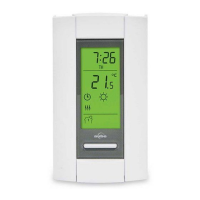
In Automatic mode, the thermostat follows the programmed schedule (see page 12).
To place the thermostat in Automatic (Auto) mode:
Temporary override
While the thermostat is in Automatic mode, you can press the Up or Down button to modify
the temperature. The new temperature will be used until the end of the current period. Auto
will flash during the override. You can cancel the override by pressing the Select button twice
to return to Automatic mode.
Automatic (Auto) mode
Normal display
Auto mode
Select Auto






 To Next Page