EasyManua.ls Logo

Audi Q3 2024 - Driver Assistance Menu; Parking Aid Menu

Audi Q3 2024
294 pages
Print Icon
To Next Page IconTo Next Page
To Previous Page IconTo Previous Page
Loading...
83A012721BK
Assist
systems
~Front
and
side
ultrasonic
sensors
Front radar
sensor
in
the
center
of
the
radiator
grille
Rear
area
Depending
on
the
vehicle
equipment,
the
follow-
ing
sensors
and
cameras
may
be
installed:
Rearview
camera
in
the
luggage
compartment
lid
Radar
sensors
at
the
rear
corners
of
the
vehicle
Rear
and
side
ultrasonic
sensors
=
The
locations
of
the
sensors
may
differ
slightly
depending
on
vehicle
equipment.
=
Some
sensors
are
installed
under
vehicle
components
and
cannot
be
seen
from
the
outside.
~The
system
complies
with
United
States
FCC
regulations
and
ISED
regulations
<page
277.
Driver
assistance
menu
In
the
Driver
assistance
menu,
you
can
turn
cer-
tain
assist
systems
on
or
off,
or
adjust
them
to
your
preferences.
>
Applies
to
MMI:
Select
on
the
home
screen:
VE-
HICLE
>
Driver
assistance.
You
can
turn
certain
systems
on/off
by
pre:
®/@
or
adjust
them
to
your
preferences
Observe
the
safety
precautions
and
note
the
limits
of
the
assist
systems,
sensors,
and
cameras
page
114
to
>
page
117.
Parking
aid
menu
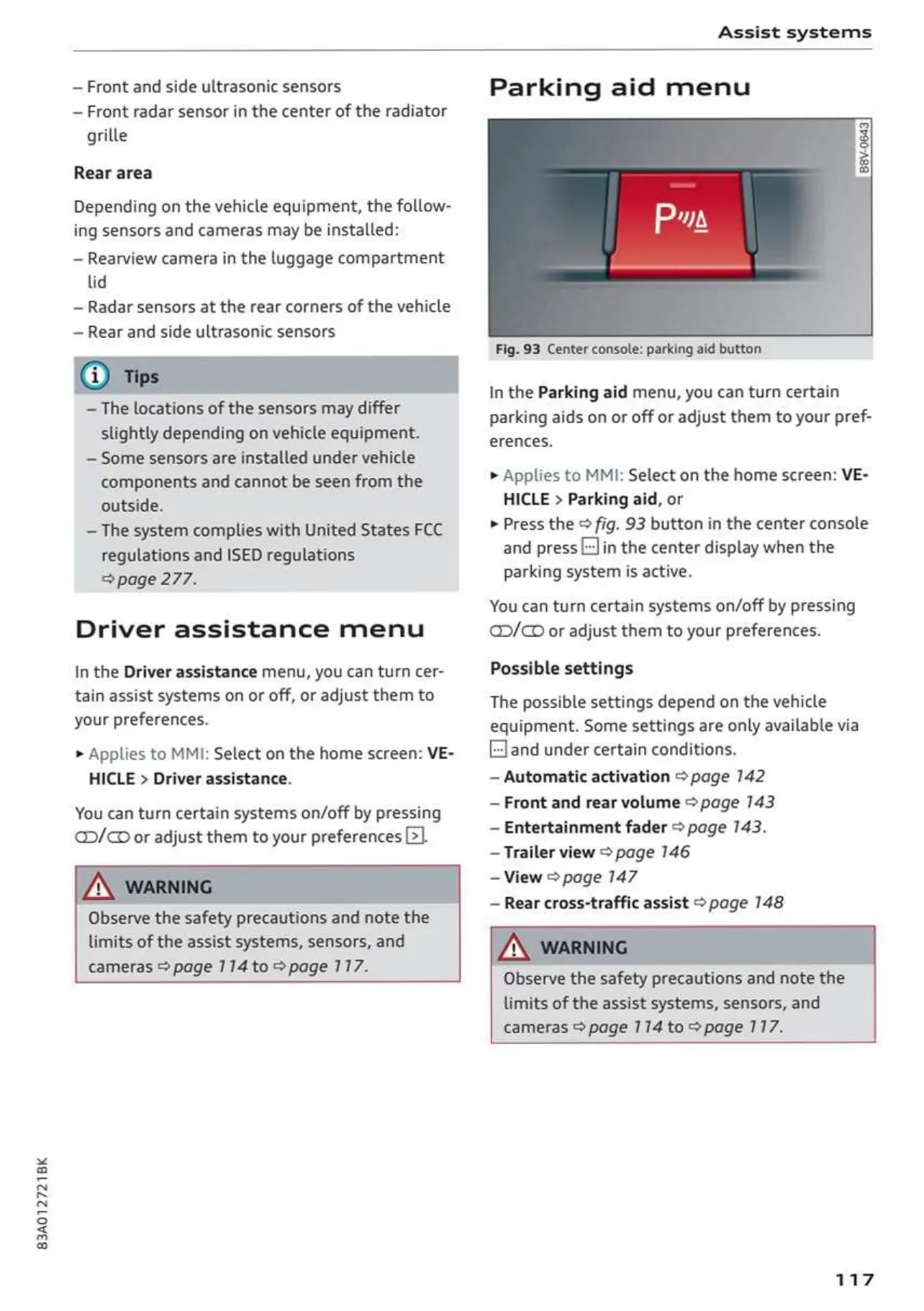
Fig.
93
Center
console:
parking
aid
button
In
the
Parking
aid
menu,
you
can
turn
certain
parking
aids
on
or off or
adjust
them
to
your
pref-
erences.
>
Applies
to
MMI:
Select
on
the
home
screen:
VE-
HICLE
>
Parking
aid,
or
>
Press
the
©
fig.
93
button
in
the
center
console
and
press
[=]in
the
center
display
when
the
parking
system
is
active.
You
can
turn
certain
systems
on/off
by
pressing
D/O
or
adjust
them
to
your
preferences.
Possible settings
The
possible
settings
depend
on
the
vehicle
equipment.
Some
settings
are
only
available
via
Eland
under
certain
conditions.
Automatic
activation
>
page
142
Front
and
rear
volume
>
page
143
Entertainment
fader
>
page
143.
Trailer
view
>
page
146
=
View
>
page
147
Rear
cross-traffic
assist
>
page
148
Observe
the
safety
precautions
and
note
the
limits
of
the
assist
systems,
sensors,
and
cameras
@
page
114
to
>
page
117.
117
OwnersManuals2.com

Table of Contents

Related product manuals