Section 12: Source Selection and Switching
The DAC3.1 Digital Board has two inputs on it – CON1 and CON2. A selector switch is used to select which input source
will be used. This allows switching between two different digital input type sources. You may choose between any two of
the following input types:
RCA.
XLR.
USB (requires additional USB board).
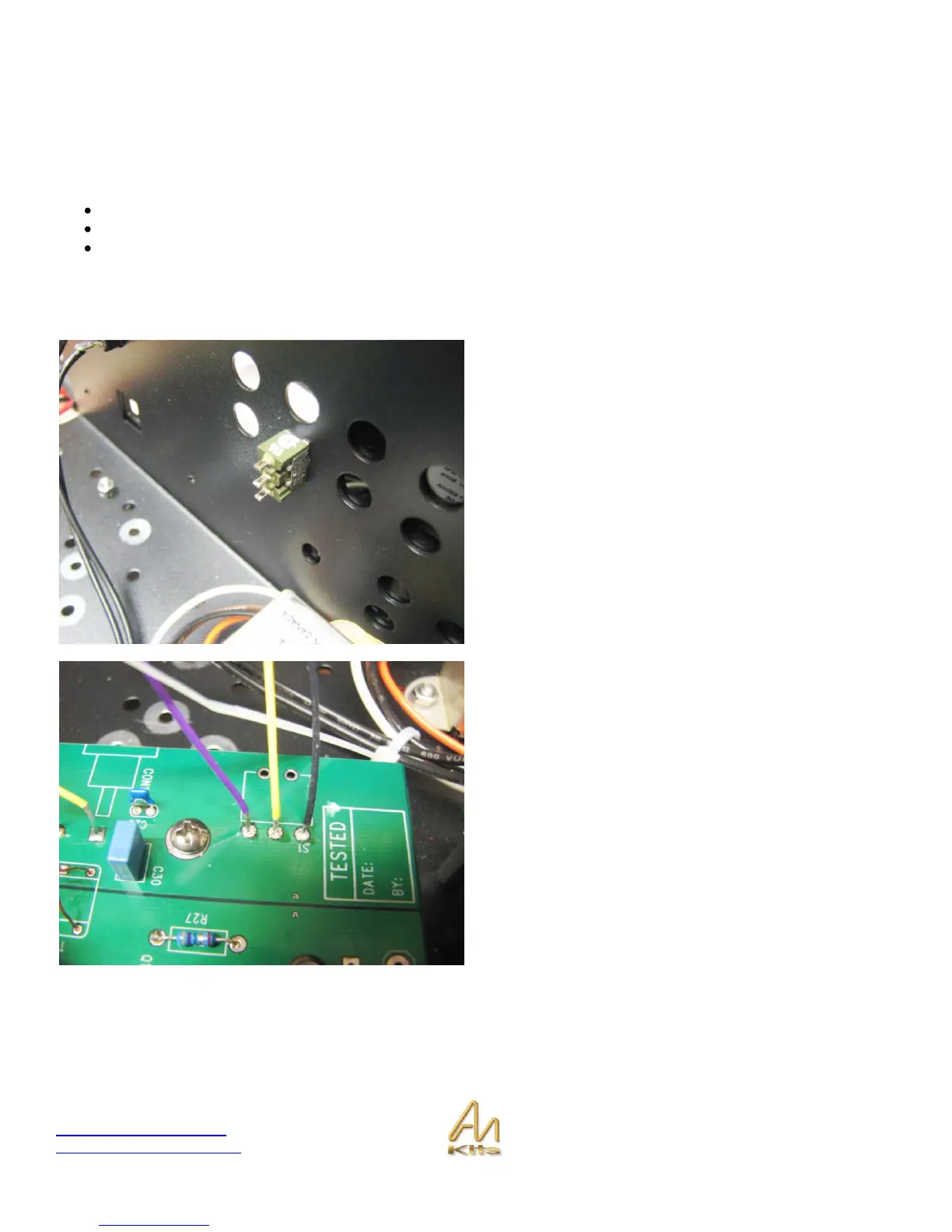
Installing the Input Selector Switch
Install the toggle switch provided at the back of the chassis
in the bottom left corner position that is available after the
rear faceplate has been installed.



 To Next Page