11
Power supply ON/OFF
Turning on the product
1
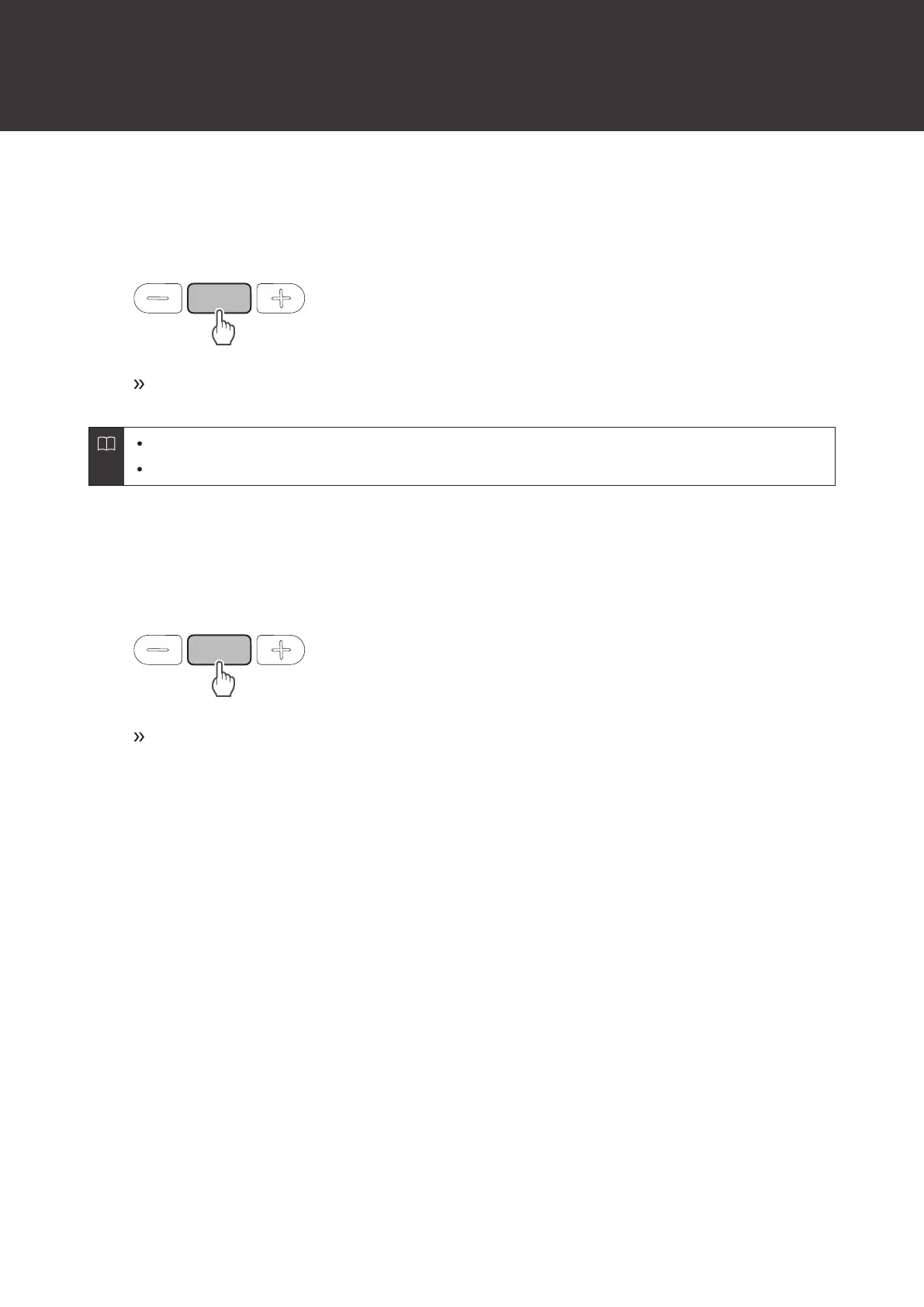
Press and hold the power supply/control button (about 2 seconds).
The indicator lamp lights in white, and then flashes. Voice guidance is played.
It may take several seconds for the indicator lamp to light.
See "Voice guidance" (p. 22) for more information on voice guidance.
Turning off the product
1
Press and hold the power supply/control button (about 2 seconds).
The indicator lamp lights in white, and then turns off.














 To Next Page