Using the product
18
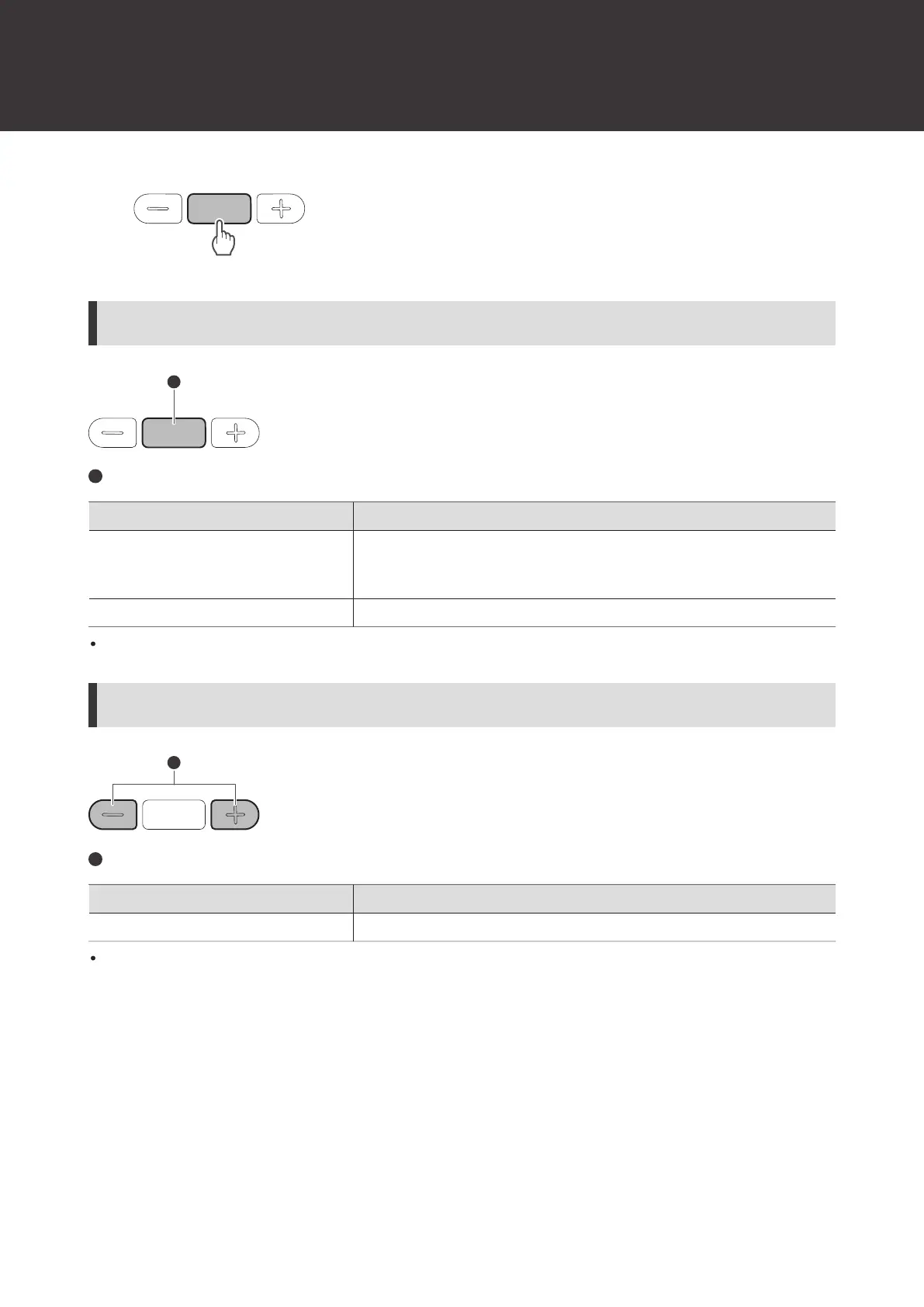
Operation of power supply / control button
Power supply / control button
Operation Function
Press
Receiving a call: Answers the call.
Making a call: Cancels the call.
During a call: Ends the call.
Press and hold (about 2 seconds) Receiving a call: Rejects the call.
The controls explained above may not be available on some smartphones.
Operation of volume buttons
Volume buttons
Operation Function
Press Increases/decreases the call volume by 1 level.
The controls explained above may not be available on some smartphones.
Speech recognition feature
Activation of the speech recognition feature (such as Google Assistant or Siri) may be possible depending on your
device.
1
Press the voice assistant button.














 To Next Page