CHAPTER4 Teams Application
C448HD C450HD | Users & Administrator's Manual
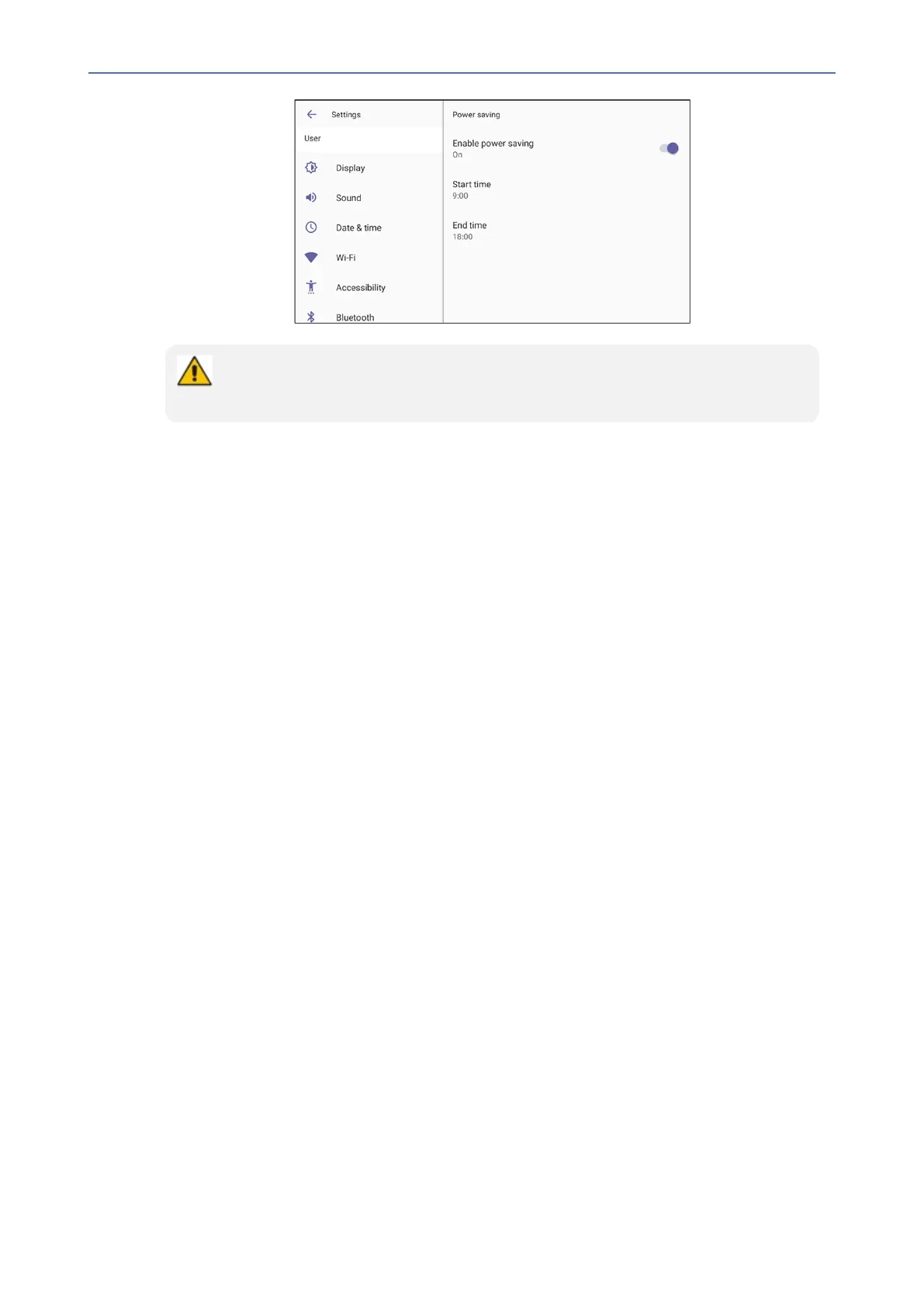
● By default, the feature is disabled.
● The feature is based on off work hours and sleep timeout.
TheConfigurationFileparametersbelowalsosupportthefeature.Theycanbe
synchronizedwiththesettingsinthephonescreen.
● general/power_saving(Usedtoenableordisablepowersaving)(Default:0)
● office_hours/end
● office_hours/start
Enabling Voicemail Support on CAP Users
Theinstructionshereshowhowtoenablevoicemailoncommonareaphoneusers.Voicemail
canbeenabledfromthephoneorfromtheTAC.TheAdvanced calling settingmustbe
enabled.
➢ To enable voicemail from the phone:
1. Inthephonescreen,selecttheavatar.
2. NavigatetoDevice Settings>Device administration.
3. Enterthepassword1234.
4. Access'TeamsAdminSettings'andselectCalling.
5. EnableAdvanced calling.
6. RestarttheTeamsappasprompted.
➢ To enable voicemail from the TAC:
1. Under'TeamsDevices'intheMicrosoftTeamsadmincenter,selectPhones.
2. GotoConfiguration Profiles;intheprofilesthereisanoptionunder'Callingsettings'to
enableAdvanced calling.
- 58 -










 To Next Page