EasyManua.ls Logo

AudioCodes Mediant Series - User Manual

AudioCodes Mediant Series
48 pages
Print Icon
To Next Page IconTo Next Page
Loading...
Version 6.8 / 7.0
May 2016
Quick Setup Guide
BroadCloud SIP-Trunking Service using
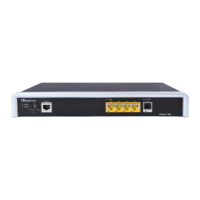
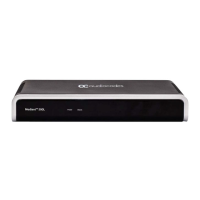
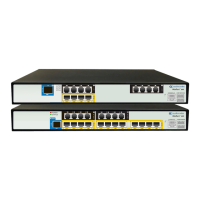
AudioCodes Mediant BRI/PRI Gateway
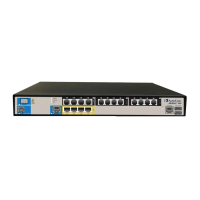
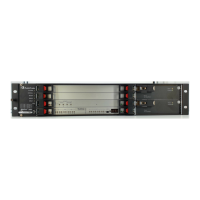
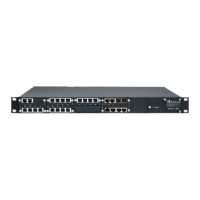
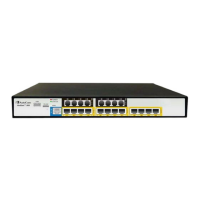
BRI/PRI Media Gateways
AudioCodes MediantSeries

Other manuals for AudioCodes Mediant Series

Question and Answer IconNeed help?

Do you have a question about the AudioCodes Mediant Series and is the answer not in the manual?

Summary

Installing the Hardware

Connecting to the Management Interface

Configuring the Device

4.1 Step 1: Download, Install BroadCloud Certified Firmware; Configuration

Guides firmware and configuration file download and installation.

4.2 Step 2: Configure a Network Interface for the Device

Describes connecting the device to the DMZ using two methods.

4.2.1 Step 2 a: Configure the Local DMZ IP Address of the Gateway

Details configuring the gateway's IP interface for DMZ setup.

4.2.2 Step 2 b: Configure NAT

Covers NAT configuration when using Method B with firewall NAT.

4.3 Step 3: Configure PSTN Trunk Settings

Provides general settings for PSTN trunks.

4.4 Step 4: Configure General SIP Parameters

Configures general SIP parameters for the device.

4.5 Step 5: Configure Trunk Group Parameters

Assigns physical channels to logical Trunk Groups.

4.6 Step 6: Configure the Number of Digits to be Present to the PBX

Configures number manipulation rules for calls to the PBX.

4.7 Step 7: Check the SIP Trunk Registration Status

Verifies successful registration status with BroadCloud.

4.9 Step 9: Save the Configuration, Connect to DMZ

Saves configuration and connects the device to the DMZ.

Optional TDM PSTN Fallback if WAN Fails

Troubleshooting

Summary

Installing the Hardware

Connecting to the Management Interface

Configuring the Device

4.1 Step 1: Download, Install BroadCloud Certified Firmware; Configuration

Guides firmware and configuration file download and installation.

4.2 Step 2: Configure a Network Interface for the Device

Describes connecting the device to the DMZ using two methods.

4.2.1 Step 2 a: Configure the Local DMZ IP Address of the Gateway

Details configuring the gateway's IP interface for DMZ setup.

4.2.2 Step 2 b: Configure NAT

Covers NAT configuration when using Method B with firewall NAT.

4.3 Step 3: Configure PSTN Trunk Settings

Provides general settings for PSTN trunks.

4.4 Step 4: Configure General SIP Parameters

Configures general SIP parameters for the device.

4.5 Step 5: Configure Trunk Group Parameters

Assigns physical channels to logical Trunk Groups.

4.6 Step 6: Configure the Number of Digits to be Present to the PBX

Configures number manipulation rules for calls to the PBX.

4.7 Step 7: Check the SIP Trunk Registration Status

Verifies successful registration status with BroadCloud.

4.9 Step 9: Save the Configuration, Connect to DMZ

Saves configuration and connects the device to the DMZ.

Optional TDM PSTN Fallback if WAN Fails

Troubleshooting

AudioCodes Mediant Series Specifications

General IconGeneral
ModelMediant Series
CategoryGateway
VoIP ProtocolsSIP, H.323, MGCP
InterfacesE1/T1, BRI
Network Interfaces10/100/1000 Ethernet
SecurityTLS
ManagementWeb, CLI, SNMP
CodecsG.711, G.723, G.726, G.729, iLBC, Opus
Operating Temperature0°C to 40°C
Storage Temperature70°C
PortsVaries by model (FXS, FXO, BRI, E1/T1, Ethernet)

Related product manuals