Page 07
3: Connections
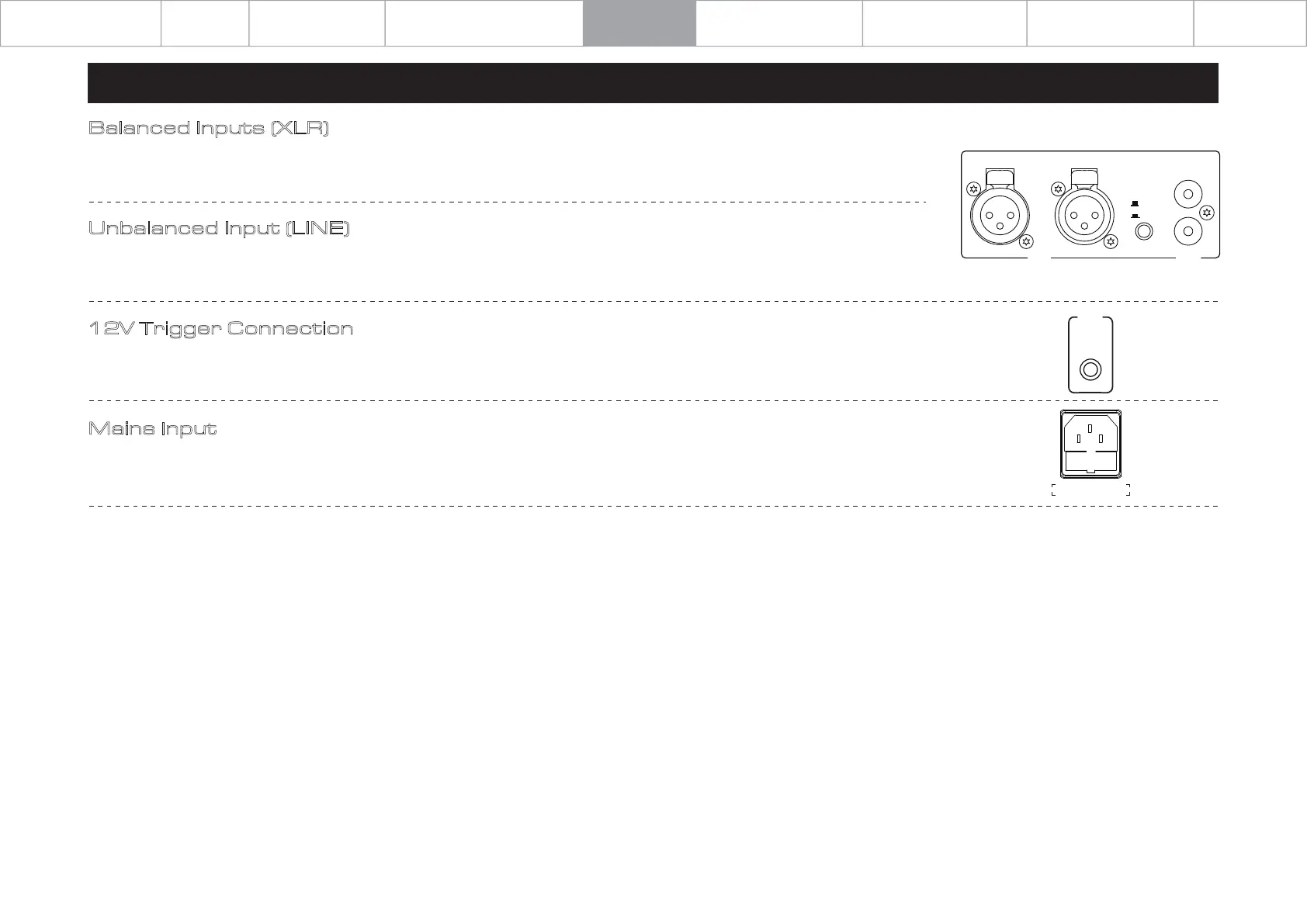
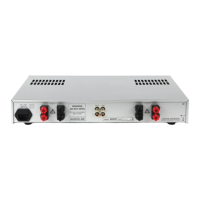
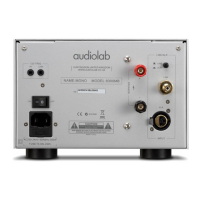
Balanced Inputs (XLR)
Balanced connections provide greater dynamic range and lower noise. If your source has balanced outputs, please connect them
to the balanced input of 9000P. You will need one XLR balanced cable per channel.
Unbalanced Input (LINE)
If you cannot use the XLR inputs, connect a RCA to RCA cable between the unbalanced inputs on the 9000P rear panel with the
matching output of the source unit.
12V Trigger Connection
The 9000P features one 12V trigger in connections. Use the output to control other products. The trigger connections are made
using "3.5 to 3.5mm" jack interconnects (not include).
Mains Input
Before connecting the AC power cord to the 9000P, please make sure the Power Switch is in the OFF position. Switch it to the ON
position after connecting the unit to the AC mains.
XLR
LINE
RIGHT LEFT
XLR
LI NE
R
L
BRIDGE INPUT=LEFT
12V
TRIG
IN
AC 220-240V~50/60Hz 660W
FUSE T3.15AL 250V
Important
Safety Information
Getting Started
Contents
Controls and Functions
Connections
System Connection
System Operations
Warranty Coverage
Specification



 To Next Page