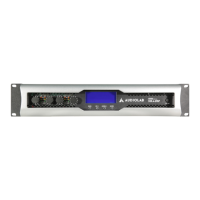
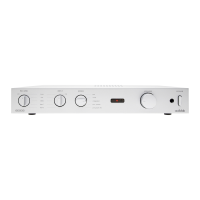
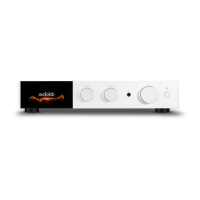
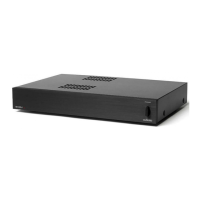
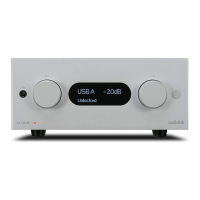
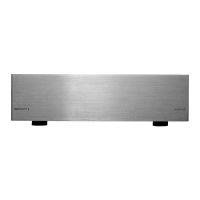
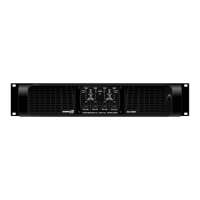
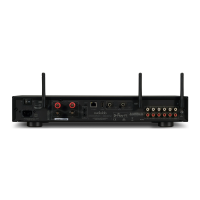
Front Panel
down the volume to a minimum.
4. If you dont use this amplier for a long time,
please unplug the power cord from the AC mains
socket.
Power switch: It can turn on/o the amplier.
When turn on, the Power LED lights.
Fault LED: When circuit protection works, the
LED will light, specially when the heat-sink over-
heat or detect the DC voltage in the amplier,
the LED will light. Turn on the amplier within
three seconds, the amplier is ready to work, the
LED will shine. When nish start or the problem
is removed, the LED will estinguish, and resume
working normally.
Clip LED: When the output signal distortion of the
corresponding channel exceeds 1%, the LED will
light, because of the signal level is too high, and
have been cut-o.
5. When unplug the power plug from the AC pow-
er socket, please grasp the plug. Do not directly
pull the cable. Otherwise it can damage power
cord and then lead to a re or electric shock.
4. MAIN OPERATION KEY & FUNCTIONS
English version



 To Next Page