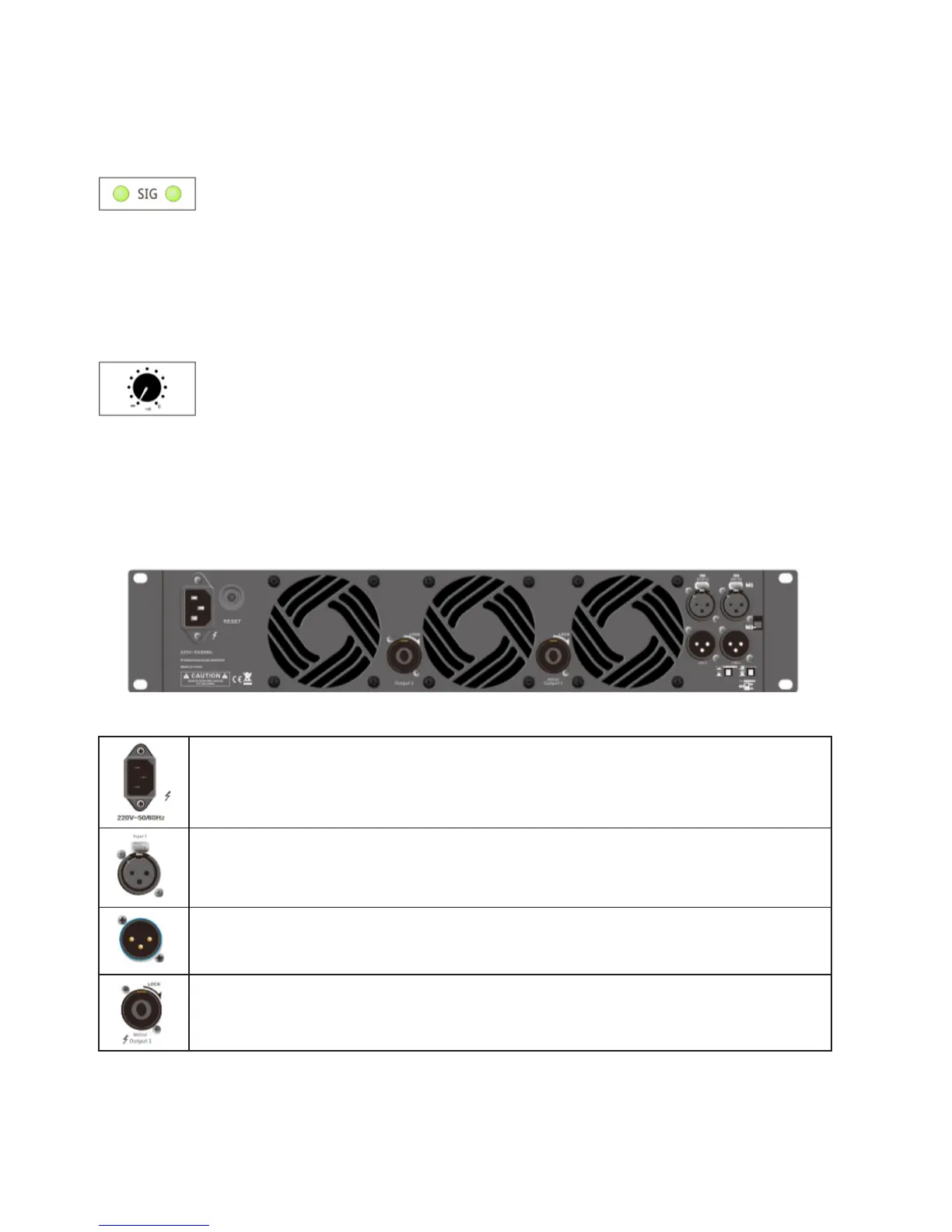
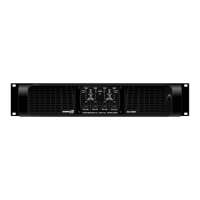
Signal LED: When there is the input signal, the
LED will light, if not, please check the gain set-
tings, if necessary, can increase the gain. Check
the input connection and signal audio source.
If the Clip LED shines a little of shows no signal,
check the output wire whether it is shot-circuit or
not.
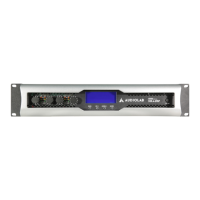
Gain control: Use to set the output level of each
channel.
Rear Panel
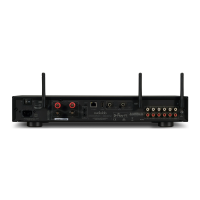
Power outlet: When use the amplier, should check whether the selected voltage is cor-
rect or not, if the voltage is wrong, it could damage the amplier, please ensure the device
be connected to the power supply with ground to use
Signal input: The input interface connects to the mixer directly. The input of the corre-
sponding channel and output connector are connected together to provide the xed
connection, do not need to consider the power switch setting.
Parallel output XLR connector: This socket is parallel with the input XLR socket, input
directly output via this socket, S series 2CH and 3CH models have this function.
Output connection: Amplier output channel, it provides the output by connecting the
SPEAKON connector.
English version



 To Next Page