18
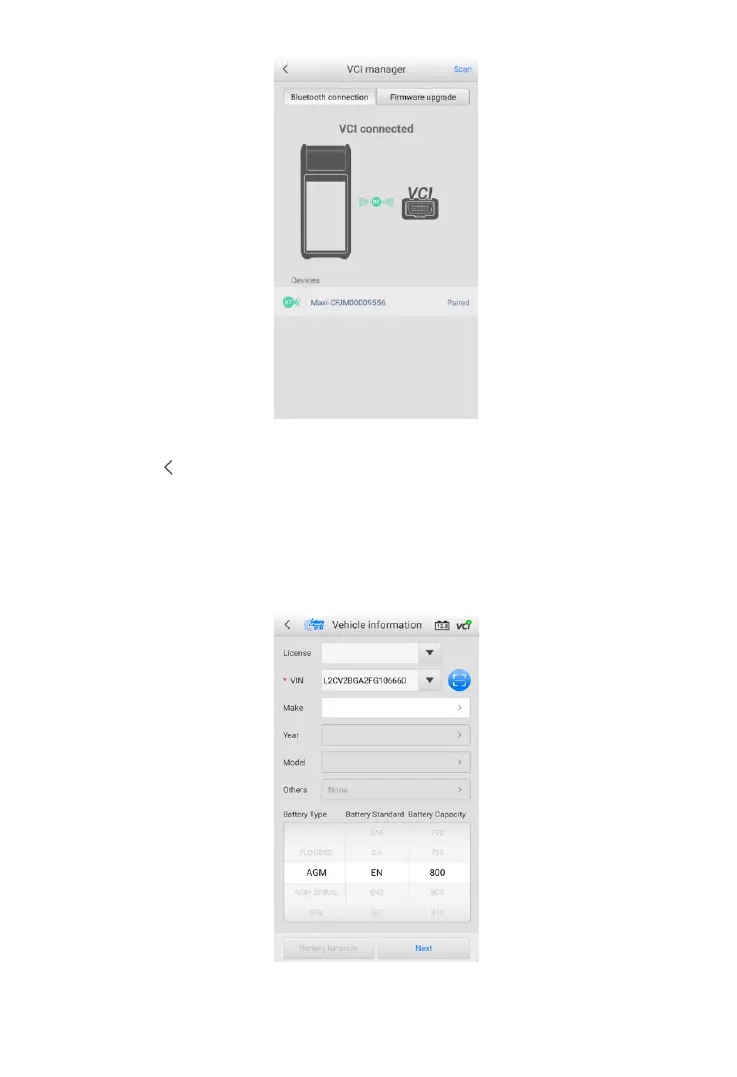
Figure 4-2 Sample VCI Manager Screen
6. Tap the icon to return to the previous screen. The tab will move to the
Vehicle information screen. The VCI button on the top right corner of the
screen displays a green check mark, indicating the tester is connected to
the VCI.
4.1.2 Confirm Vehicle Information
Figure 4-3 Sample Vehicle Information Screen



 To Next Page