33
Diagnostics
The Diagnostics function enables all systems fault detection, and access to live
system data for numerous vehicle control systems, such as engine, transmission,
and ABS.
After choosing a diagnostic type (Automatic selection or Manual selection) on the
Diagnostics main menu, there are two options available when accessing the
Diagnosis menu:
1. Auto Scan — starts scanning all available systems on the vehicle.
2. Control Units — displays a selection menu for all available control units of
the vehicle.
After a section is made and the tester establishes communication with the vehicle
via the VCI, the corresponding function menu or selection menu will display.
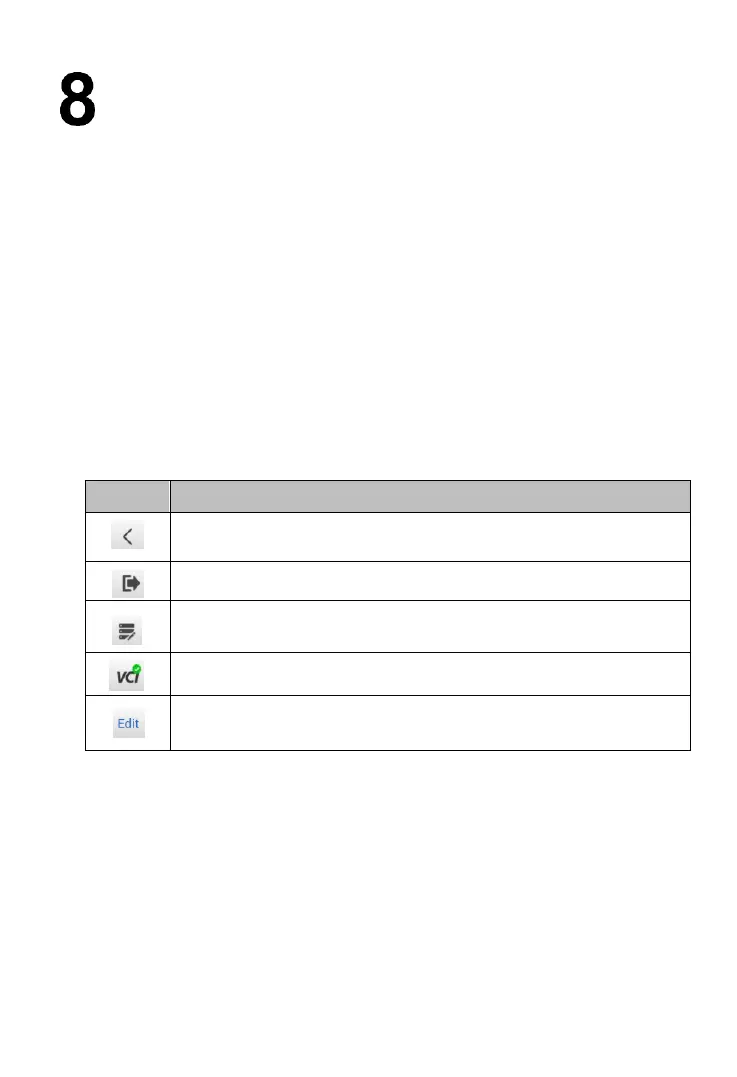
Table 8-1 Top Toolbar Buttons
Return to the previous page.
Return to the Home Screen.
Start and stop data recording.
Choose live data parameters by selecting appropriate
checkbox. (Available on Live data screen)
8.1 Auto Scan
The Auto scan function performs a comprehensive scan of all the ECUs in the
vehicle to detect faults and retrieve DTCs.



 To Next Page