52
Remote Desktop
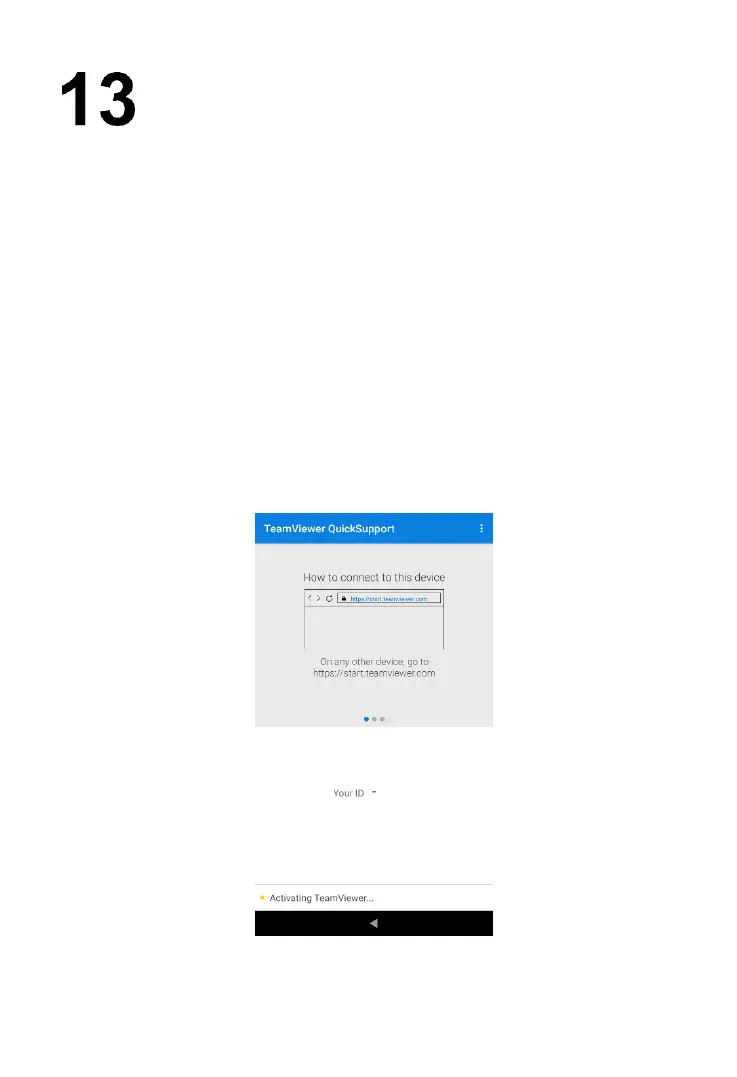
The Remote Desktop application launches the TeamViewer Quick Support
program, which is a simple, fast, and secure remote-control interface. You can
use the application to receive remote support from Autel's support center,
colleagues or friends by allowing them to control your MaxiBAS tester on their
PC via the TeamViewer software.
If you think of a TeamViewer connection as a phone call, the TeamViewer ID
would be the phone number under which all TeamViewer Clients can be reached
separately. Computers and mobile devices that run TeamViewer are identified
by a unique global ID. The first time the Remote Desktop application is launched,
this ID is generated automatically based on the hardware characteristics of the
tester. The user cannot change the ID.
Make sure the tester is connected to the Internet before launching the Remote
Desktop application, so that the BT608 is able to receive remote support from
the third party.
Figure 13-1 Sample TeamViewer Interface Screen



 To Next Page