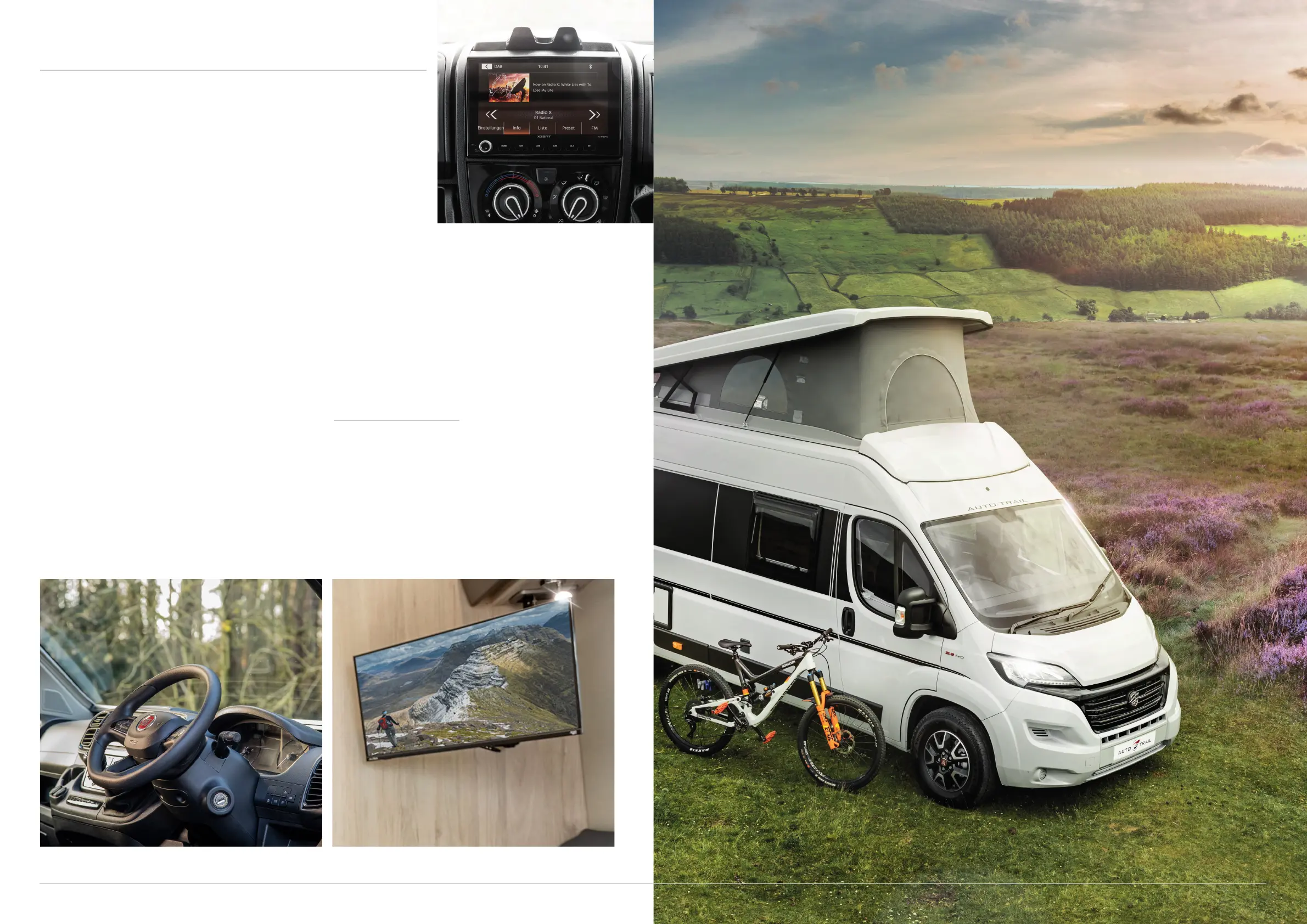
ENTERTAINMENT SYSTEM
15 TOGETHER WE’RE GOING PLACES For more information visit www.auto-trail.co.uk 16
The Expedition range does not feature an entertainment
system as standard. However, the below instructions apply
to Expedition models which have been upgraded to include
a Media Pack.
If you have the Media Pack, your vehicle is fitted with a dashboard mounted
infotainment system that incorporates a satellite navigation system and
reversing camera. It also allows connectivity for your existing mobile devices.
Smart television
With the Media Pack, your campervan features a 21.5"
Avtex widescreen television which is either mounted
in the rear lounge (66 and 67) or in the front dinette
(68).
To switch it on, press the power button on the side of
the television and the standby indicator on the front
will turn red. Then press the standby button on the
remote control.
To switch it o, press the standby button on the
remote and the standby indicator on the television
will turn red once the display goes o. To save energy,
do not leave the television in standby mode for
long periods of time, such as overnight. Switch the
television fully o by using the power switch on the
side.
Tuning the television
When the television is switched on for the first time,
it will need tuning. Press the direction arrows to select
your on-screen display (OSD) language, Then select
'Auto Search' and press the 'OK' button.
For more detailed instructions on how to use your
television, please refer to the Avtex instruction booklet
supplied with your vehicle.
Reversing camera
Please note: the reversing camera fitted to this vehicle
should be treated as an aide to your reversing. Auto-
Trail will not be held responsible for any accidents
caused by driver carelessness.



 To Next Page