Before You Start
• Before scanning a vehicle, the EZ-Read Code Reader must
be correctly configured for your vehicle. Refer to “Setup /
Operating Instructions” on page 43 if you need to configure
the Code Reader.
Scanning the Vehicle
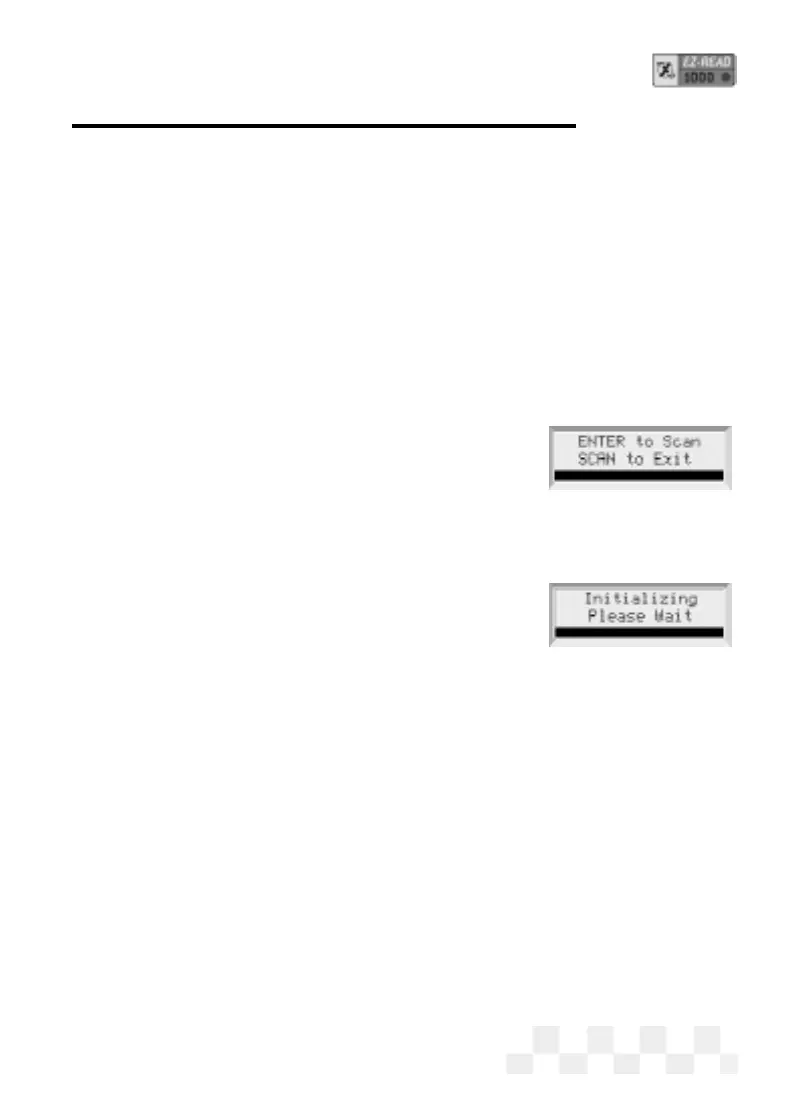
1. Press POWER to display the EZ-Read Code Reader opening
screen.
2. Turn the vehicle ignition key to ON or start the engine.
3. Press SCAN.
•
[OBD-II] Before an OBD-II vehicle is
scanned, the vehicle computer and the
EZ-Read Code Reader will initialize, do a protocol check,
then do Readiness Tests to make sure the vehicle
emission control system is working correctly. (VPW, PWM,
ISO 9141,
and Keyword 2000 protocols are
all supported.)
4. The Code Reader will indicate the MIL sta-
tus (Malfunction Indicator Lamp, or Check Engine Light),
ON or
OFF. If there are Trouble Codes stored in the OBD-II system, the
scanner will display the codes as they are read from the vehicle
computer. (These codes can also be viewed later. See “View
Trouble Codes-OBD-II” page 13.)
5. After the Code Reader has read all the data from the vehicle,
the
Scan Successful message will be displayed on the screen.
If the Code Reader could not read all the data from the computer or
the vehicle sensors, an error message will be displayed.
Page 47
SCAN - OBD-II


 To Next Page