Before You Start
• Clearing Trouble Codes will remove any Trouble Codes from
the vehicle’s computer. You can use this feature to make
sure vehicle repairs were done correctly by doing a new
scan after clearing the codes.
• Your vehicle must be scanned before clearing trouble
codes. If
DATA is pressed, and the vehicle has not been
scanned, the Code Reader will display
Press the Scan
key to Scan New Data
. Refer to “Scanning the
Vehicle” on page 47.
Clearing Trouble Codes
1. Make sure the EZ-Read Code Reader
cable is correctly connected to the
Code Reader and to the vehicle, the
engine is OFF, and the vehicle ignition
key is ON, then press
POWER,
press data key.
2. [OBD-II] Use the pand qarrow keys
until
4-Clear Data
is highlighted, then press ENTER.
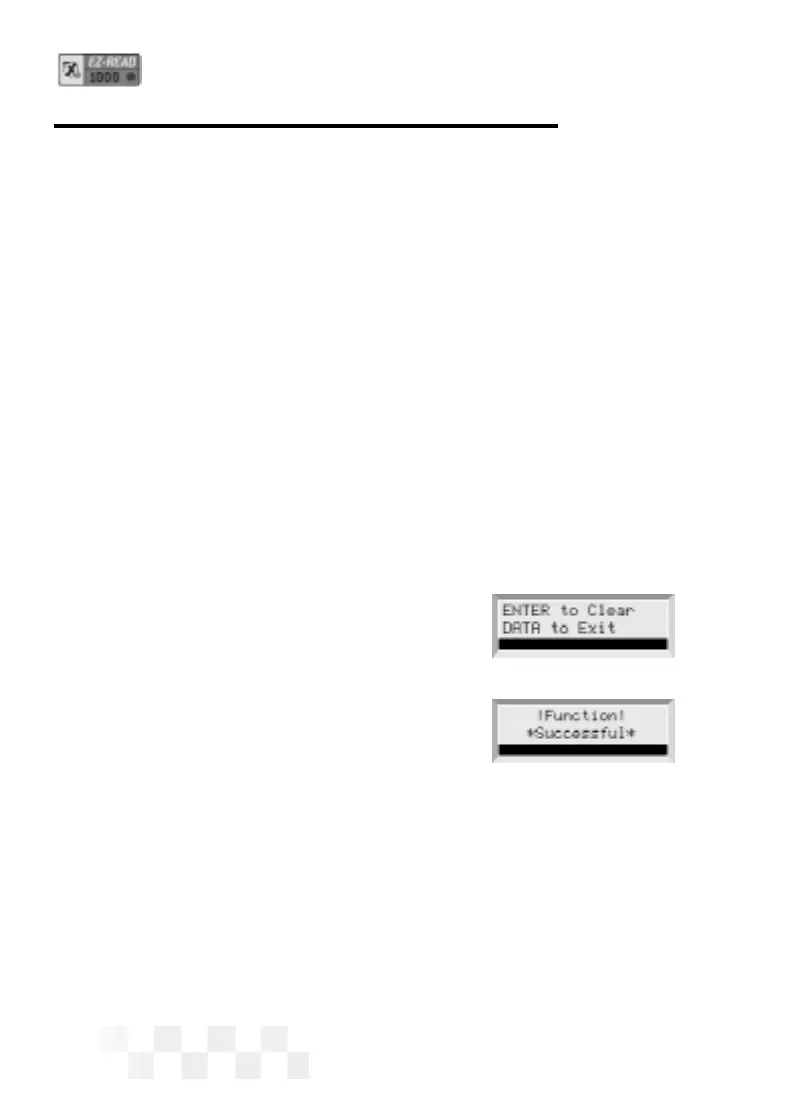
3. ENTER to Clear will be displayed
on the screen. Press
ENTER to
clear all the codes in the vehicle’s
computer. (Pressing
DATA again will
take the unit out of Data mode and dis-
play the opening screen.)
4. After the codes have been cleared, Function Successful
will be displayed. Press DATA to display the opening screen.
Page 50
CLEAR THE CODES - OBD-II


 To Next Page