UPGRADE, UPDATE, SPECIFICATIONS (CONT.)
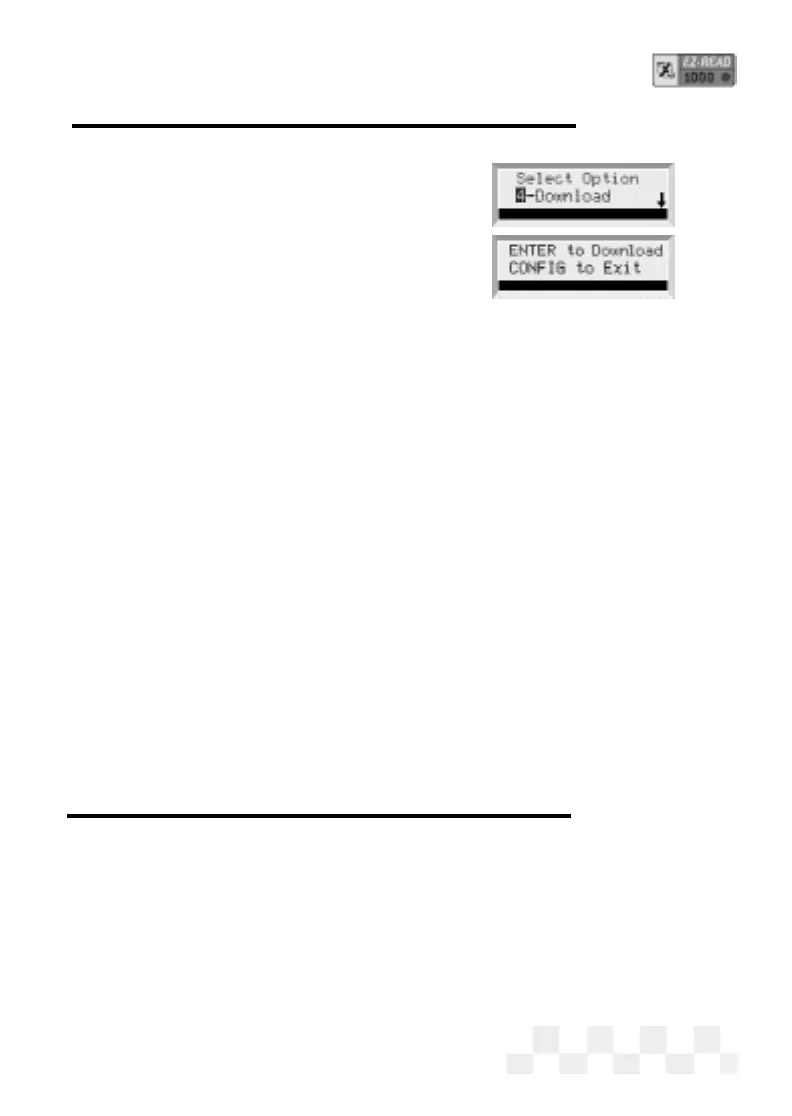
press ENTER.
3. Press ENTER to prepare the Code
Reader to receive the download.
• When the screen displays a
Downloading message, the Code
Reader is in Slave
Mode waiting for the PC to begin communication.
System Information
NOTE: Press CONFIG at any time during the following steps
to display the initial screen.
1. Press CONFIG from the initial screen.
2. Use the pand qkeys to display 5-System Info on the
screen, then press
ENTER.
3. Software Version information will be displayed on the screen.
Press
ENTER to view the next screen.
4. The Code Reader Serial Number will be displayed on the
screen. Press
ENTER to view the next screen.
5. The Code Reader software ID#1 and ID#2 hex-codes will
be displayed on the screen. Press
ENTER to display the
initial screen.
Set the Time Units for Capture Mode
The EZ-Read Code Reader can be set up to capture a user
defined length of time while in Capture Mode. The default setting
is 1000 ms (1 sec) per frame.
1. To change the Capture Time, press CONFIG from the initial
screen.
2. Use the pand qarrow keys until 2-System Config is
Page 57


 To Next Page