1. Under the normal working mode, press and hold 5 and ON/OFF key for more than 3s to enter into this
mode. In this mode, you can set the system date and me.
Note: the date and me will be lost aer the scale is powered off if the rechargeable baery is not installed.
2. Aer entering into this mode, the WEIGHT window will display “SETUP”, the UNIT PRICE window will
display “dAtE”(date, prompt to input date) and the TOTAL PRICE will display the current date xx.xx.xx. Use
the numerical keys to input the date (format: YY.MM.DD), use ENTER key to confirm and go to the me
seng mode.
3. When the WEIGHT window remains “SETUP”, the UNIT PRICE displays “TiME”(me, prompt to input me)
and the TOTAL PRICE window displays the current me xx.xx.xx, Use the numerical keys to input the me
(Format: hh.mm.ss), press ENTER key to confirm the input and exit this mode.
1. Under the normal working mode, press and hold 0 and ON/OFF key for more than 3s to enter. In this
mode, you can set the business name.
2. The WEIGHT window displays “bUSI.N1” (prompt to input “business name” in first line ), the UNIT PRICE
window and the TOTAL PRICE window display the last 12 char of the business name.
3. Use numerical keys and CLEAR key to input the business name (the max length of the business name is 20
char), use ENTER key to confirm the business name and exit this mode.
4. The WEIGHT window displays “bUSI.N2”(prompt to input “business name” in second line business name),
the UNIT PRICE window and the TOTAL PRICE window display the last 12 char of the business name.
5. Use numerical keys and CLEAR key to input the business name (the length of the business name is 20
char), use ENTER key to confirm the business name and exit this mode.
1. Under the normal working mode, press and hold 6 and ON/OFF key for more than 3s to enter this
mode. In this mode, you can set ID code. (Note: the data will be lost aer the scale is reset)
2. The WEIGHT window displays “SETUP”, the UNIT PRICE window displays “Id” and the TOTAL PRICE
window displays Id code xxxxxx(the default Id code is 000000).
3. Use the numerical keys to input ID code, then press ENTER key to confirm the input and exit this mode.
1. Under the normal working mode, press and hold 7 and ON/OFF key for more than 3s to enter this
mode. In this mode, you can set the back feed (OS-2130D).
2. The WEIGHT window displays “SETUP”, the UNIT PRICE window displays “BAK.FED”(Back Feed), and
the TOTAL PRICE window displays “DISABL”(Disable).
3. Use 1 key to select “ENABLE” (OS-2130D will feed about one more inch so that the user can see the
whole label.), use 0 to select “DISABLE”, use ENTER key to confirm and exit this mode.
DATE & TIME SETTING
BUSINESS NAME SETTING
ID SETTING
OS-2130D BACK FEED SETTING
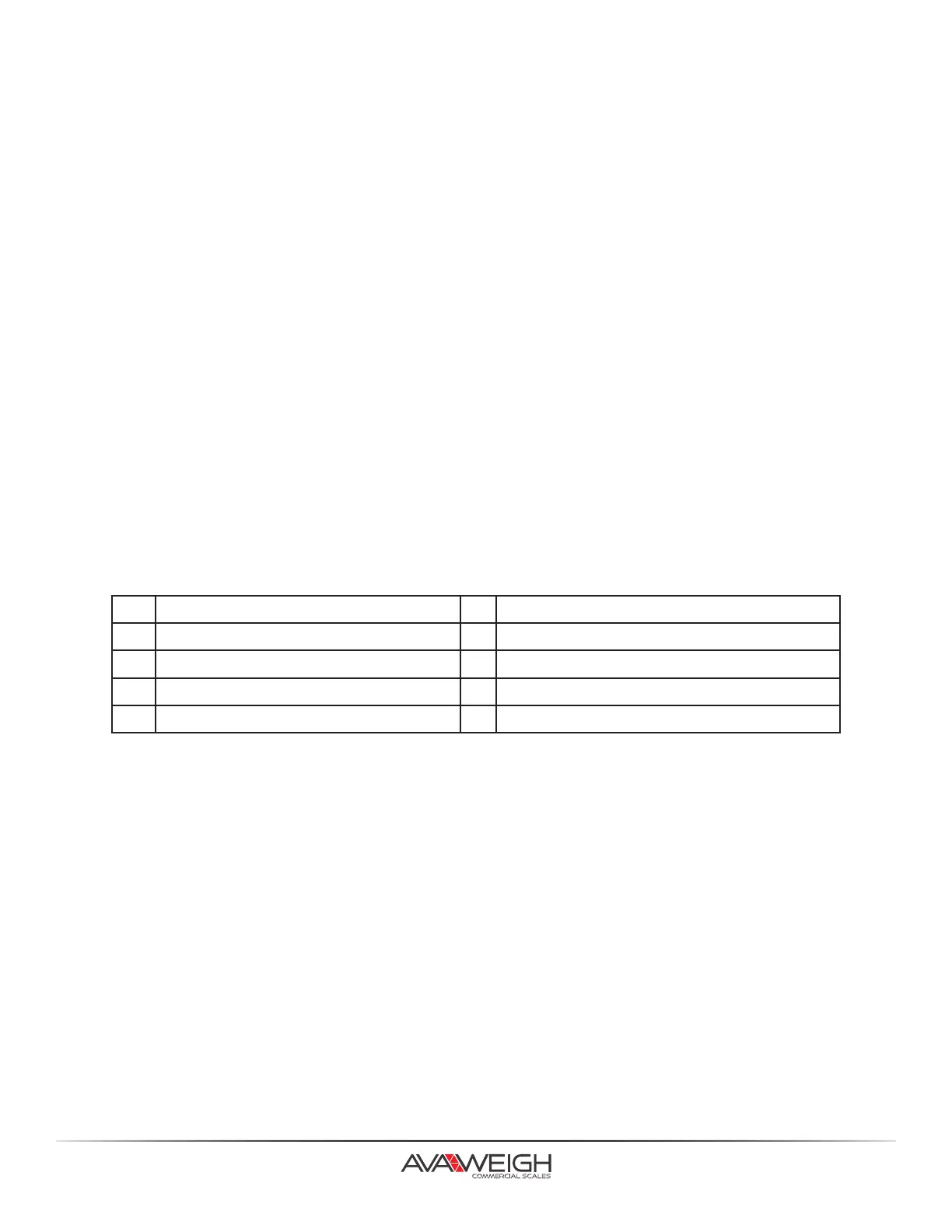
KEY FUNCTIONS IN BUSINESS NAME SETTING MODE
0 0 space ( ) ÁÂÆÇÈÉÊÎÏÔÒÙÛÜ 1 1ABC
2 2DEF 3 3GHI
4 4JKL 5 5MNO
6 6PQRS 7 7TUV
7 8WXYZ 9 9
14.



 To Next Page