1. Under the normal working mode, press and hold 8 and ON/OFF key for more than 3s to enter this
mode. In this mode, you can set the origin point (OS-2130D).
2. The WEIGHT window displays “SETUP”, the UNIT PRICE window displays “ORG.X”(Origin.X), and the
TOTAL PRICE window displays the X direcon offset number.
3. Use digit keys and CLEAR to input X offset (-255 - 255), press ZERO key to choose the minus if a
negave value is desired, then press ENTER key to confirm the input and go to the next step.
4. The WEIGHT window displays “SETUP”, the UNIT PRICE window displays “ORG.Y”(Origin.Y), and the
TOTAL PRICE window displays the Y direcon offset number.
5. Use digit keys and CLEAR to input Y offset (-8 - 8), press ENTER key to confirm the input and the OS-
2130D will print out a new blank label sample using new start posion, and then exit this mode
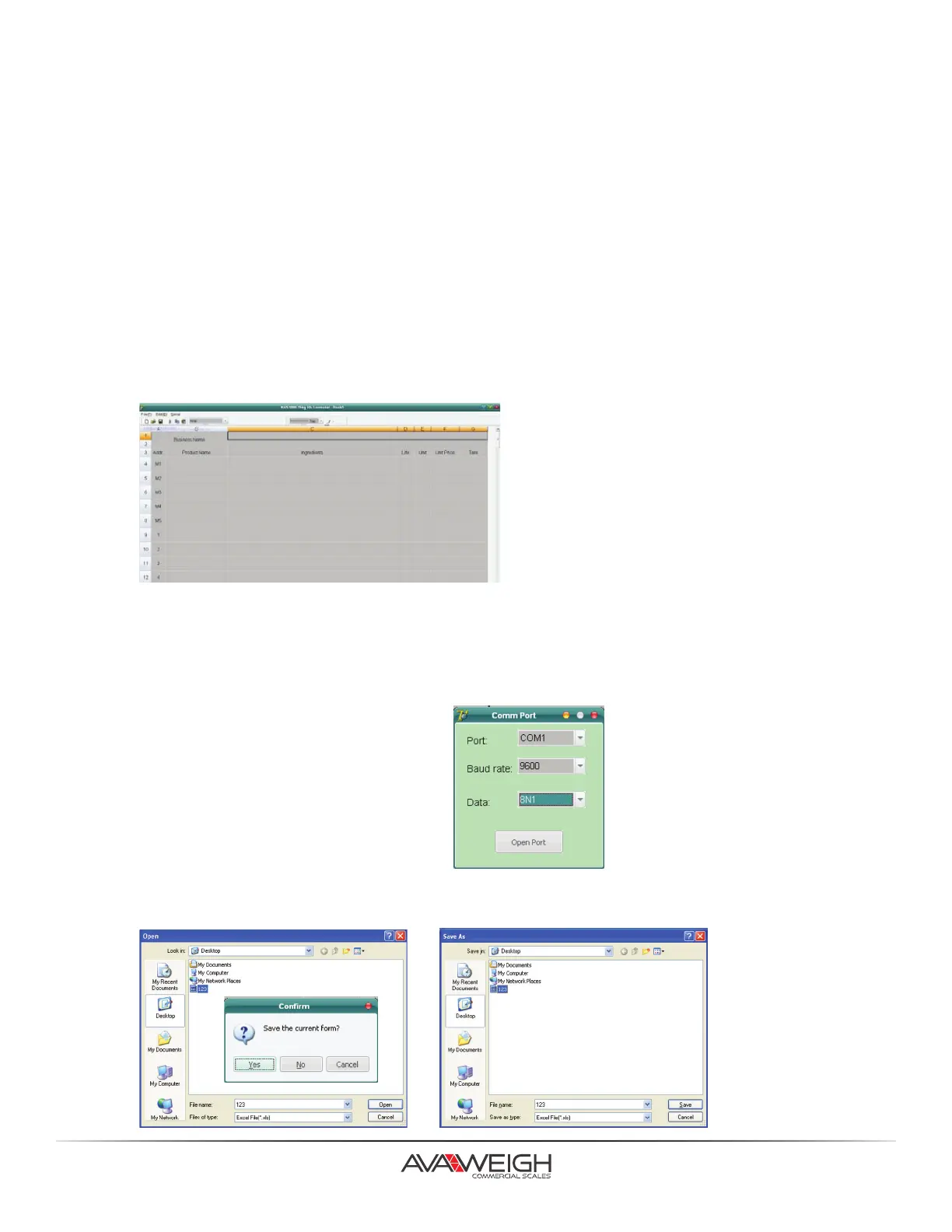
1. Connect the scale to PC through RS232 interface, run 334PCS40-40T.exe, this soware can only
process *.xls files.
2. Soware searches all serial ports on PC, and tries to connect with the scale. In the Status bar, it will
separately display present serial port, baud rate, data format. Take the following figure for example,
“COM2,2400,8N1” refers to the present serial port COM2, baud rate 2400, data format 8N1. If the
connecon status displays “Connecng the scale”, it means the Soware is searching EHC-PH scale, if it
displays “The scale is connected”, it means the Host has been connected with the scale.
3. The soware can search all the present
serial ports automacally, unl it connects
with the scale. Manual connecon is also
available by using “Serial Set” in
“Serial” menu.
4. Press “Open” or “open file” buon in “File” menu. It will first remind you whether to save the current file,
and then open the file and dialog box to choose and open the right file.
OS-2130D ORIGIN SETTING
PLU UPLOAD & DOWNLOAD
15.



 To Next Page