Issue 1 May 2009 19
Avaya - Proprietary. Use pursuant to the terms of your signed agreement or Avaya policy.
DRAFT - January 25, 2009 - 1:38 PM
Chapter 6: Power Up
G430 and EM200 Grounding Requirements
Note:
Note: Grounding requirements differ widely from country to country. In addition to the grounding
instructions presented in this section, you must follow the local electrical installation codes for
your location.
You must use two safety grounds to ensure safe operation of each G430 Media Gateway and EM200:
Both safety grounds must be connected to an approved ground (see Chapter 2 of Installing and Upgrading
the Avaya G430 Media Gateway, 03-603233, for the definition of an approved ground). If a power cord
accompanies the G430 or EM200, use that cord whenever possible.
!
WARNING:
WARNING: Connection of both grounds (the AC power cord and the supplementary ground conductor) is
required for safe operation of the G430 Media Gateway and EM200.
!
WARNING:
WARNING: An improper ground can cause electrical shock, equipment failures, and service outages.
Connecting Ground Conductors
For each G430 and EM200:
1. Unscrew the lock nut of the ground screw on the rear of the chassis adjacent to the ground symbol.
2. Place the ring terminal of the 10 AWG (4.0 mm
2
) Supplementary Ground Conductor on the ground
screw
3. Tightly close the lock nut.
● The ground conductor that is part of the AC power cord.
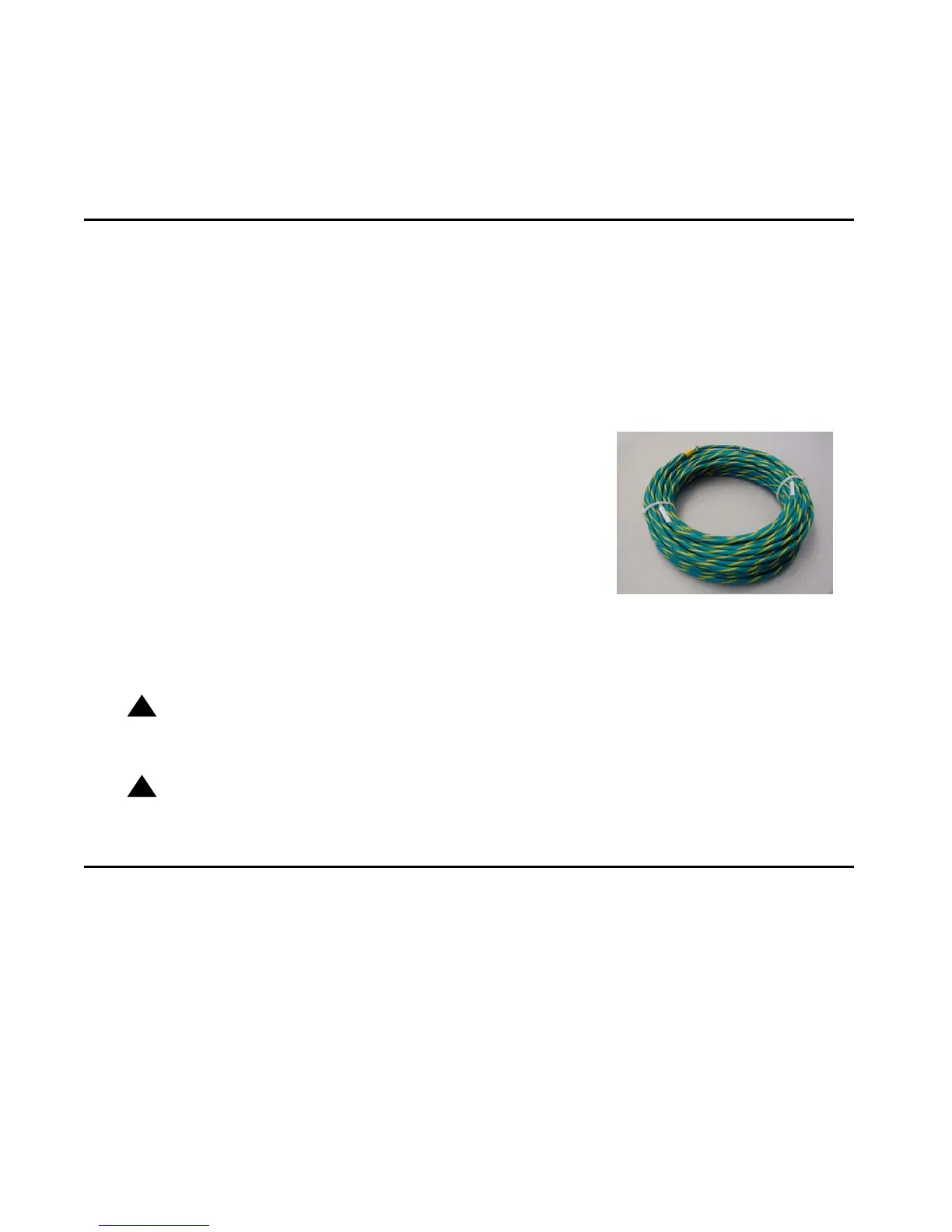
● The field-installed green/yellow conductor, referred to as
the supplementary ground conductor.


 To Next Page