Issue 1 May 2009 7
Avaya - Proprietary. Use pursuant to the terms of your signed agreement or Avaya policy.
DRAFT - January 25, 2009 - 1:37 PM
Chapter 2: Unpack the Device
!
CAUTION:
CAUTION: Wear an anti-static wrist ground strap whenever you handle components of a G430 Media
Gateway or EM200. Connect the strap to an approved ground, such as an unpainted metal
surface.
Equipment
For the G430 package and for each EM200 package, if ordered:
Open the box that contains the device, and ensure that it contains the following components and
accessories:
● One device chassis. The required media modules may be installed.
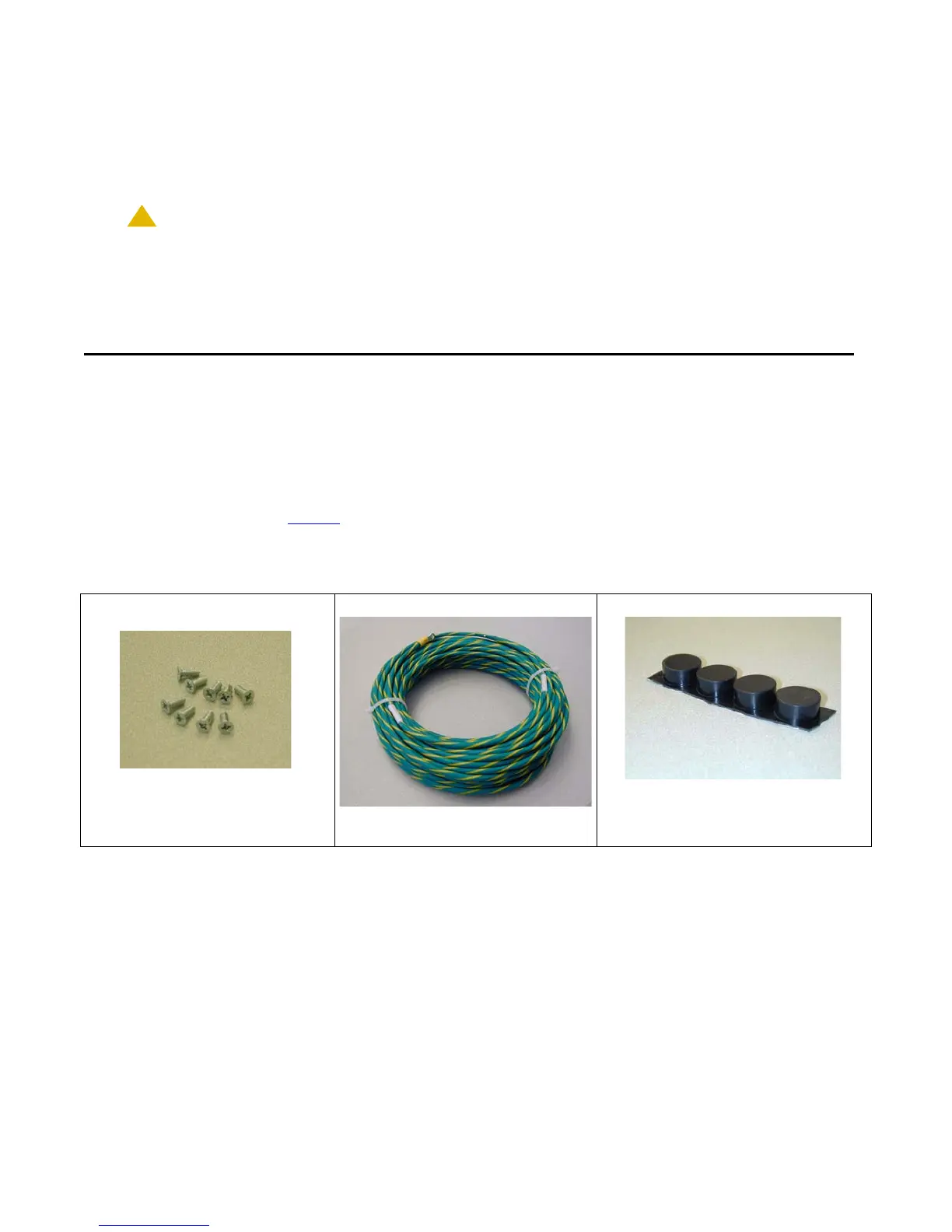
● An Accessory Kit (see Table 1). The EM200 Accessory kit contains the same items as the G430
Accessory kit, as well as an expansion cable for connecting the EM200 to the
G430.
Table 1: G430 Accessory Kit
Nine
4-40 Flat Head Screws One Grounding Cable Assembly Four Rubber Standoffs



 To Next Page