SMS message programming
6 24-character sms messages can be stored and combined to a control panel event ( see vocal message
programming ).
To program sms messages proceed as follows:
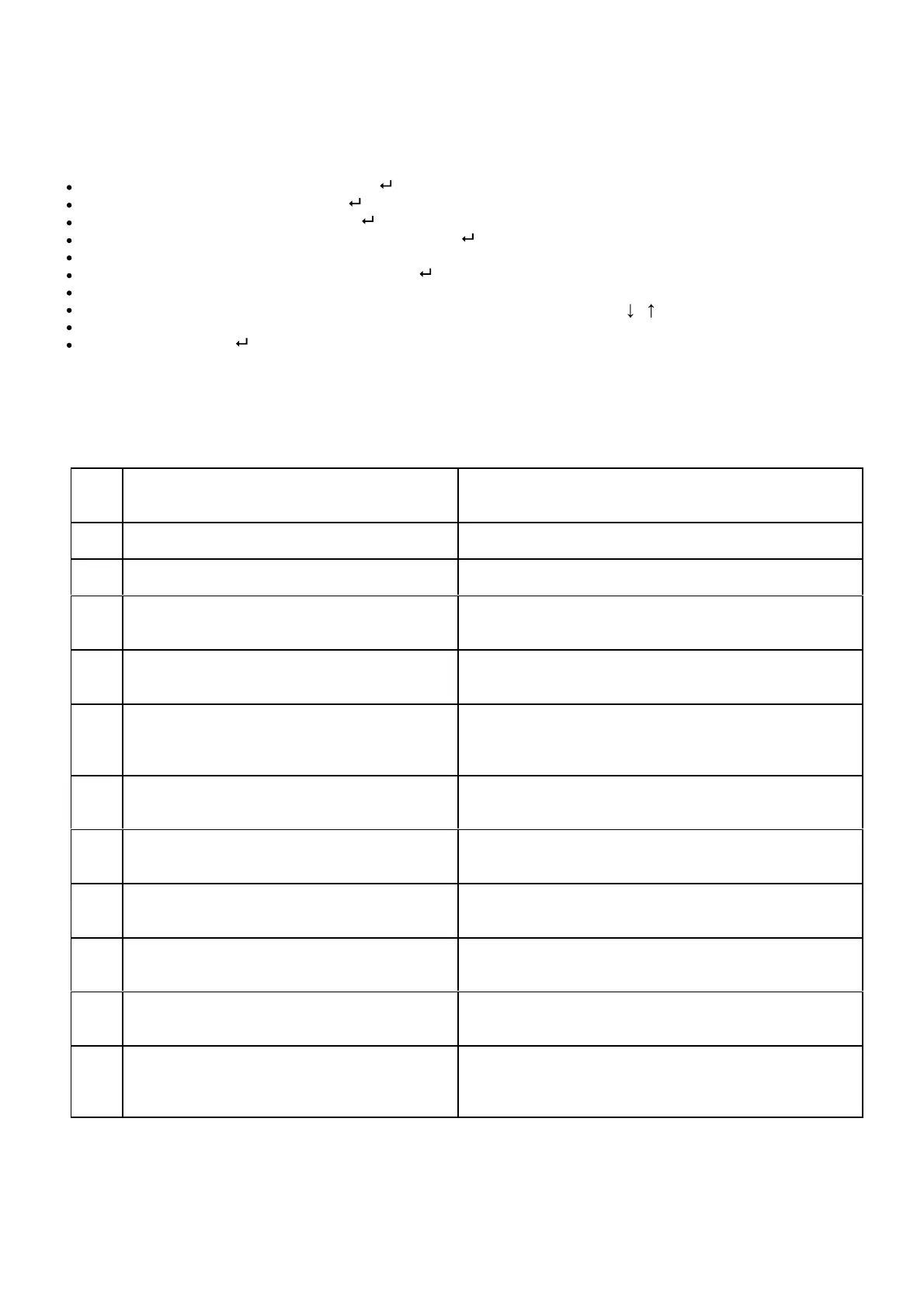
Select the MESSAGES menu followed by ;
Select SMS MESSAGES followed by ;
Select SMS MESSAGES 1 followed by ;
Insert the desired message and confirm it by pressing ;
SMS 1 SAVED will be displayed.;
To delete it, press CANC, or to confirm it press ;
SMS EVENT 1 will be displayed;
Now, select the association of the message to the related event by using keys , ;
If you want to customise the events, refer to section Advanced programming of messages.
Confirm by pressing .
Proceed in the previous way for all sms messages by selecting the respective messages.
Besides the programmable SMS messages, the device can send a series of SMS concerning important functional
aspects of the system and the environment where it is installed, to receive these messages just combine them to
the telephone number upon programming the same LIST menu.
N°
SMS
SMS DESCRIPTION
1 Control panel low battery This signal informs of a possible system operation failure
2 Peripheral device low battery This signal informs of a possible system operation failure
3 Supervision an/or antiscanner failure
It is sent only if the function is enabled.
(SETTING menu)
4 Activated System
It is sent to confirm that the control panel is activated only
if the operation was performed from a remote telephone.
5 Disactivated System
It is sent to confirm that the control panel is disactivated
only if the operation was performed from a remote
telephone.
6 230V electric power failure
It is sent after a period of continuous system voltage
failure. This period can be set in the SETTING menu
7 GSM range failure
It is sent as soon as the GSM range is restored if the
range was not available for over 15 minutes
8 No successful call on the PSTN line
Sending of this message means that the PSTN telephone
line may have been interrupted (fix net).
9 Proper operation periodical message
It is sent every No hours/days and inform of the proper
operation of the system
10 SIM expiry
It is sent to inform that the expiry of the pre-
is drawing near (if set in the SETTING menu)
11 230V electric power restoration
This message does not require any combination to a
telephone number. It is sent to the number combined to
message 6.



 To Next Page