41
BASIC KEYBOARD FUNCTIONS
Keypad Function Description
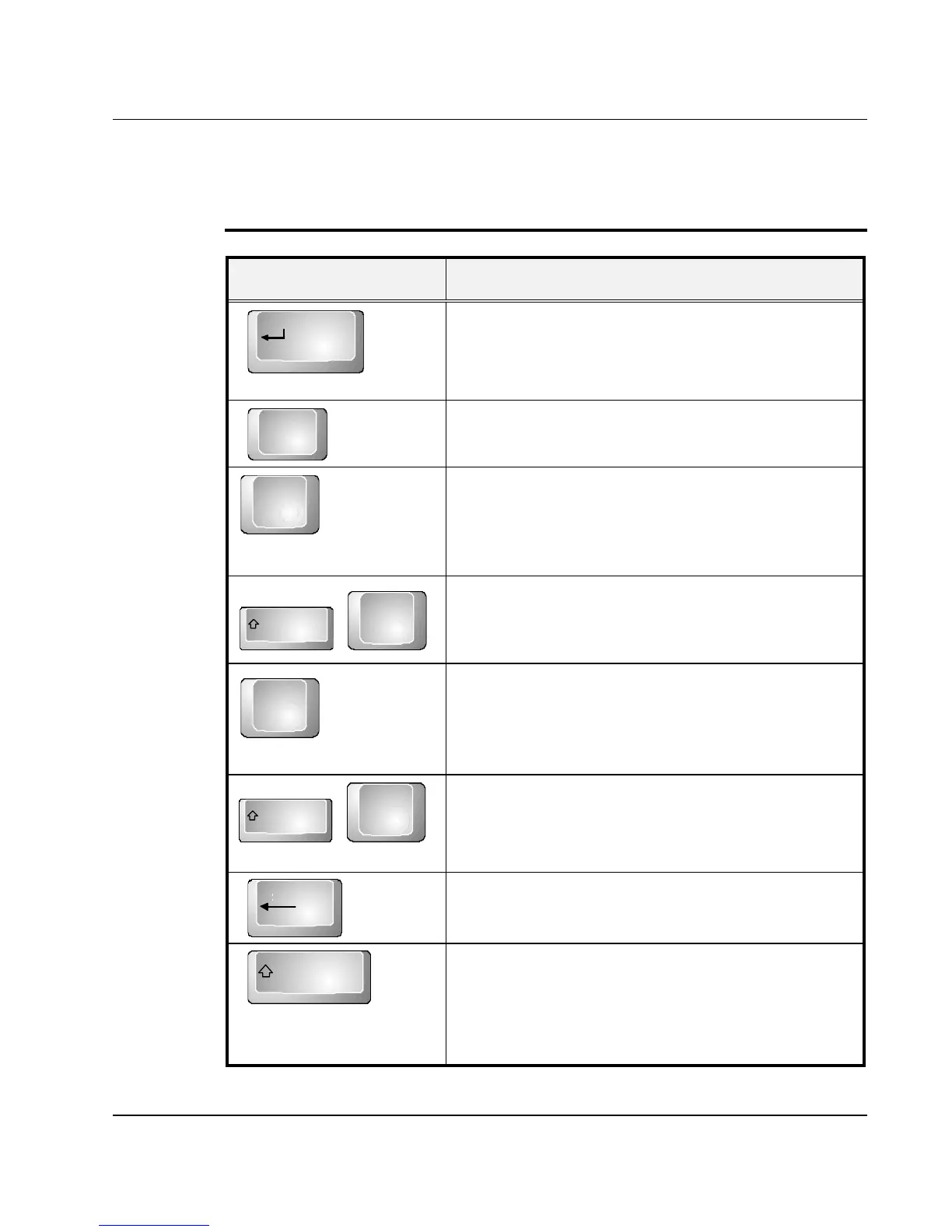
Enter
<Enter> key. Execute a command. Within
many text editing application programs, the
<Enter> key inserts a hard carriage return, just
like what ordinary typewriter does.
Esc
<Esc> key. Press this key to cancel or escape
from a command or function.
<Ins> key. Known as the Insert key. Press this
key to toggle the keyboard data entry from
insert to type over mode.
Shift
+
Shift +<PrtSc> key. Known as the Print Screen
key. Press this key to map the whole screen to
share memory for your specific usage.
<Del> key. Known as the Delete key. Press this
key to delete the character to the right of the
cursor, or delete marked texts or items.
Shift
+
Shift +<Pause> key. Press this key to
temporarily halt execution of a command.
Pressing any other key to resume execution of a
command.
Backspace
<Backspace> key. Press this key to delete the
character to the left of the cursor.
Shift
<Shift> key. Press this key in combination with
alphabet letters to produce uppercase letters in
typing. Use this key in combination with those
two-character keys (found on the second row of
the keyboard) to produce the upper marked



 To Next Page