65
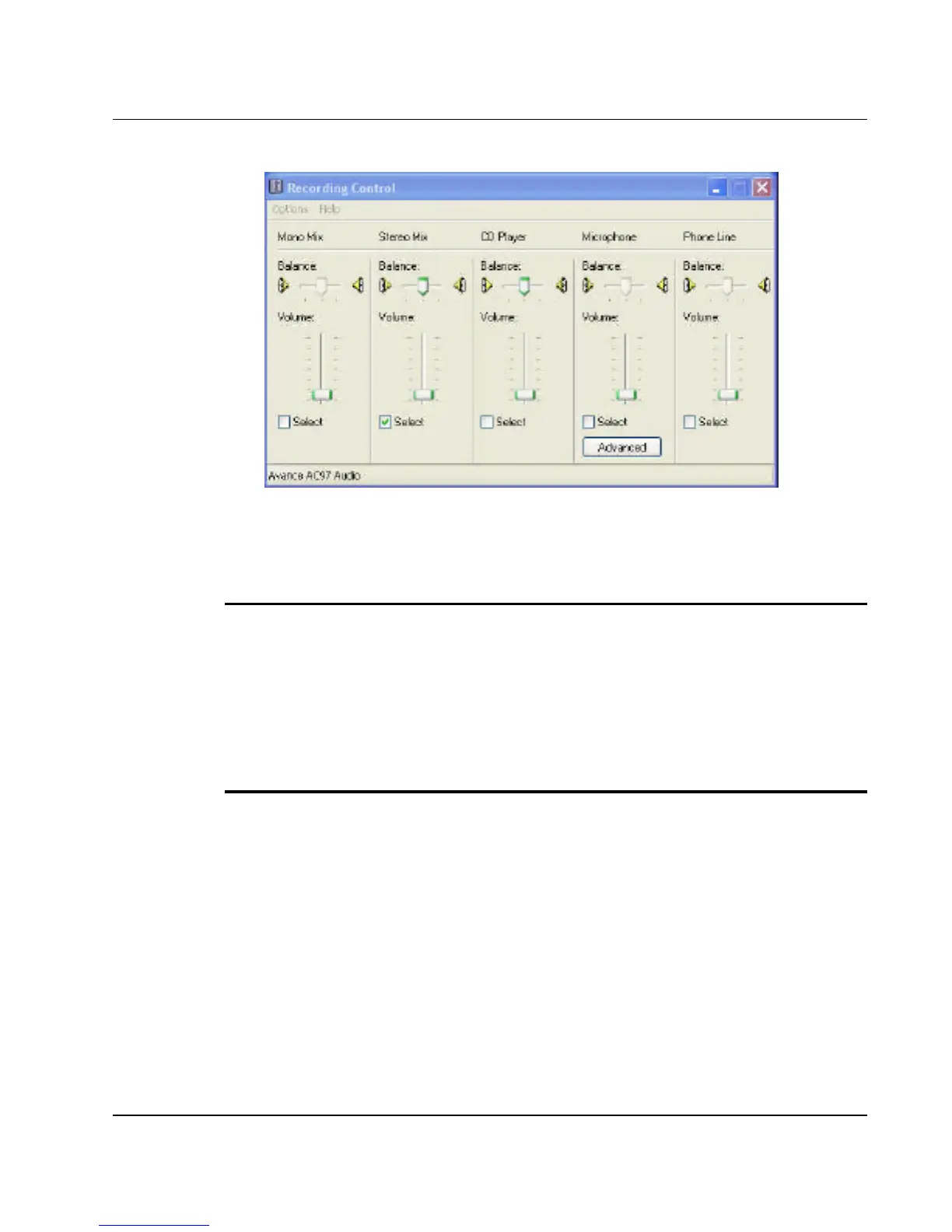
Figure 4-4 Recording Volume Control
USING AN EXTERNAL MICROPHONE
Your computer allows you to connect an external microphone for high
quality recording. The external microphone jack is found on the right side of
your computer. Use only a microphone with 1/8-inch mini-jack connector.
Follow the same procedure for recording voice.
USING THE BUILT-IN OPTICAL DISK DRIVE
You would normally use the optical disk drive for recording audio music
from the Audio CD. Follow these steps:
1. Activate CD Player volume on the Recording Control as discussed
earlier.
2. Run the Sound Recorder program.



 To Next Page