43
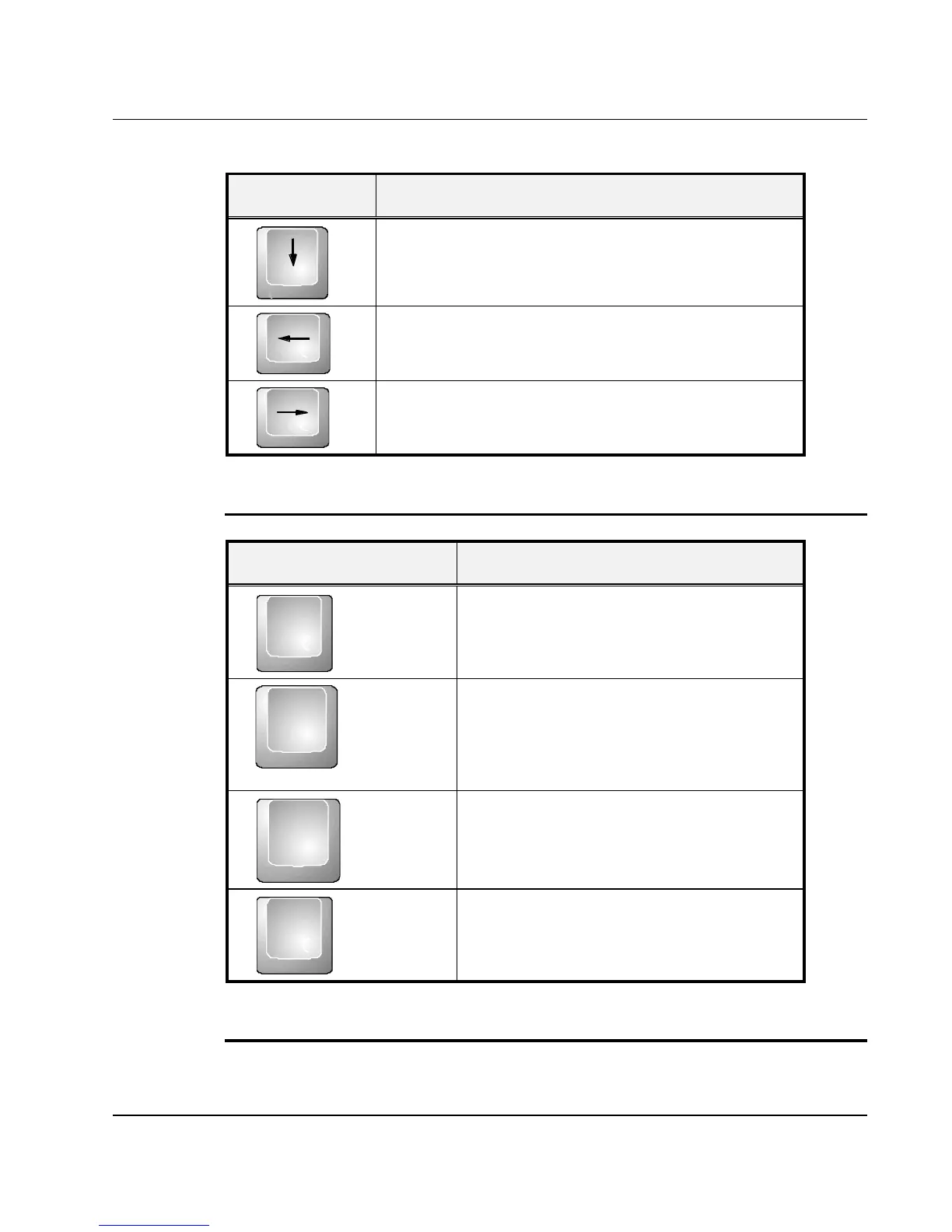
Keypad Function Description
Down arrow key. Moves the cursor down one
line at a time.
Left arrow key. Moves the cursor to the left one
space at a time.
Right arrow key. Moves the cursor to the right
one space at a time.
SCREEN CONTROL KEYS
Keypad Function Description
Home
<Home> key. Moves the cursor to the
beginning of a screen or line.
PgUp
<PgUp> key. Moves the cursor up one
screen at a time
PgDn
<PgDn> key. Moves the cursor down
one screen at a time
End
<End> key. Moves the cursor to the
end of a screen or line.
WINDOWS HOT KEYS



 To Next Page