Notebook User Guide
86
6.3 Using the Advanced CMOS Setup
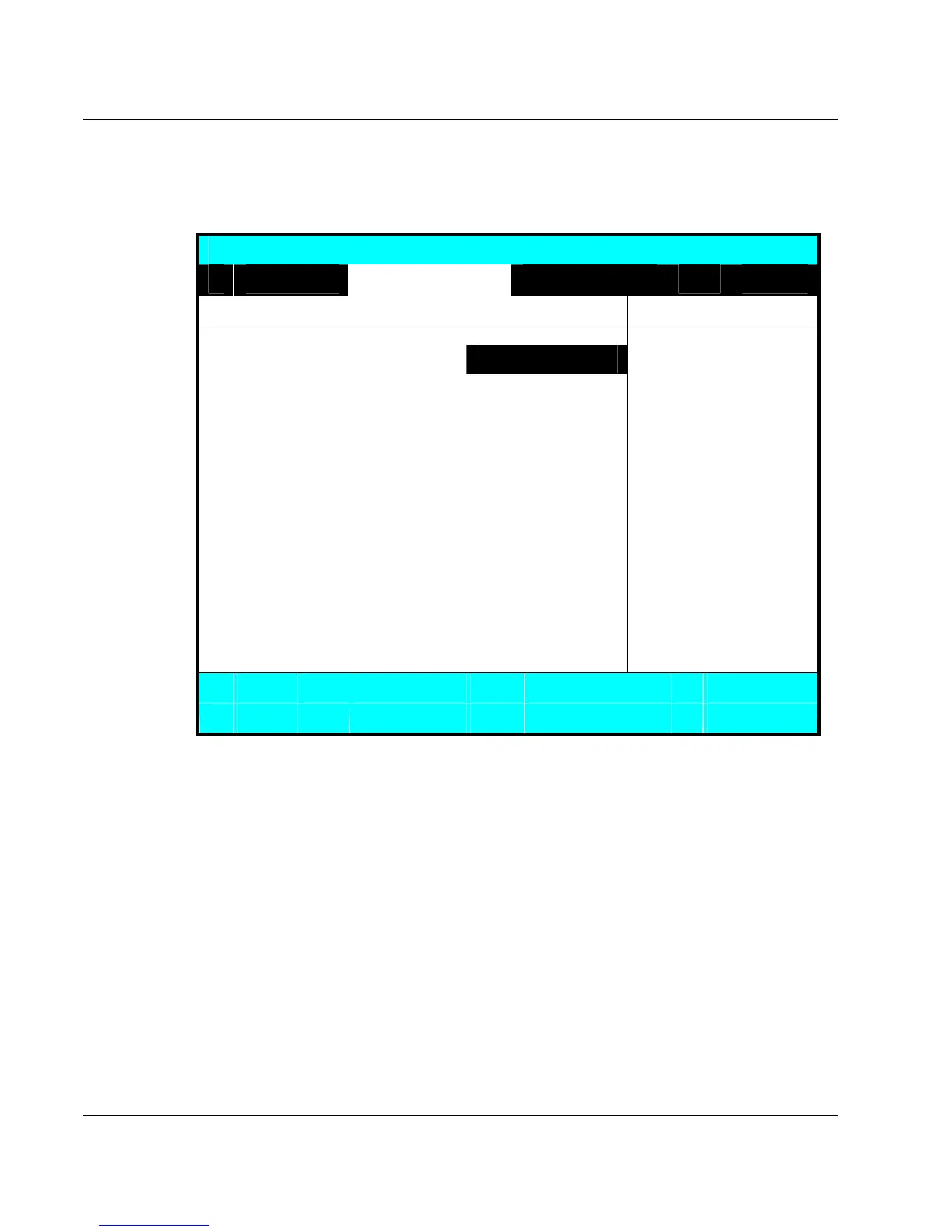
Phoenix BIOS Setup Utility
Main Advanced Security Boot Exit
NumLock [LockOn] Selects Power-on state
for NumLock
Embedded Share Memory [32MB]
Quiet Boot [Enabled]
Screen Expansion [Enabled]
Legacy USB Support [Enabled]
USB 2.0 [Enabled]
PXE OPROM [Disabled]
Wake on LAN from S5: [Enabled]
4
I/O Device Configuration
F1
Help á â Select Item -/+ Change Values F9 Setup Defaults
Select Menu Enter
Select 4Sub-Menu
Save and Exit
• Num-Lock
Lets you specify Enabled or Disabled for activating or inactivating Num-
Lock function when system is booting.
• Embedded Share Memory
Lets you specify the sharing memory size of the Video chip from DDR
SDRAM. The Default sharing size is 32MB. You should carefully specify
the value, since while the set value is too high, the memory size of your
software application will be reduced.



 To Next Page