Notebook User Guide
56
Removing PC Cards
To remove a PC card from the PCMCIA slot, you should first disable the
PCMCIA card setting in the system as described followings:
1. Double click the PC card icon on the right bottom side of the task bar.
2. Select the socket from the list that you want to remove, and click the
Stop button. The system then disables the function of the PCMCIA card.
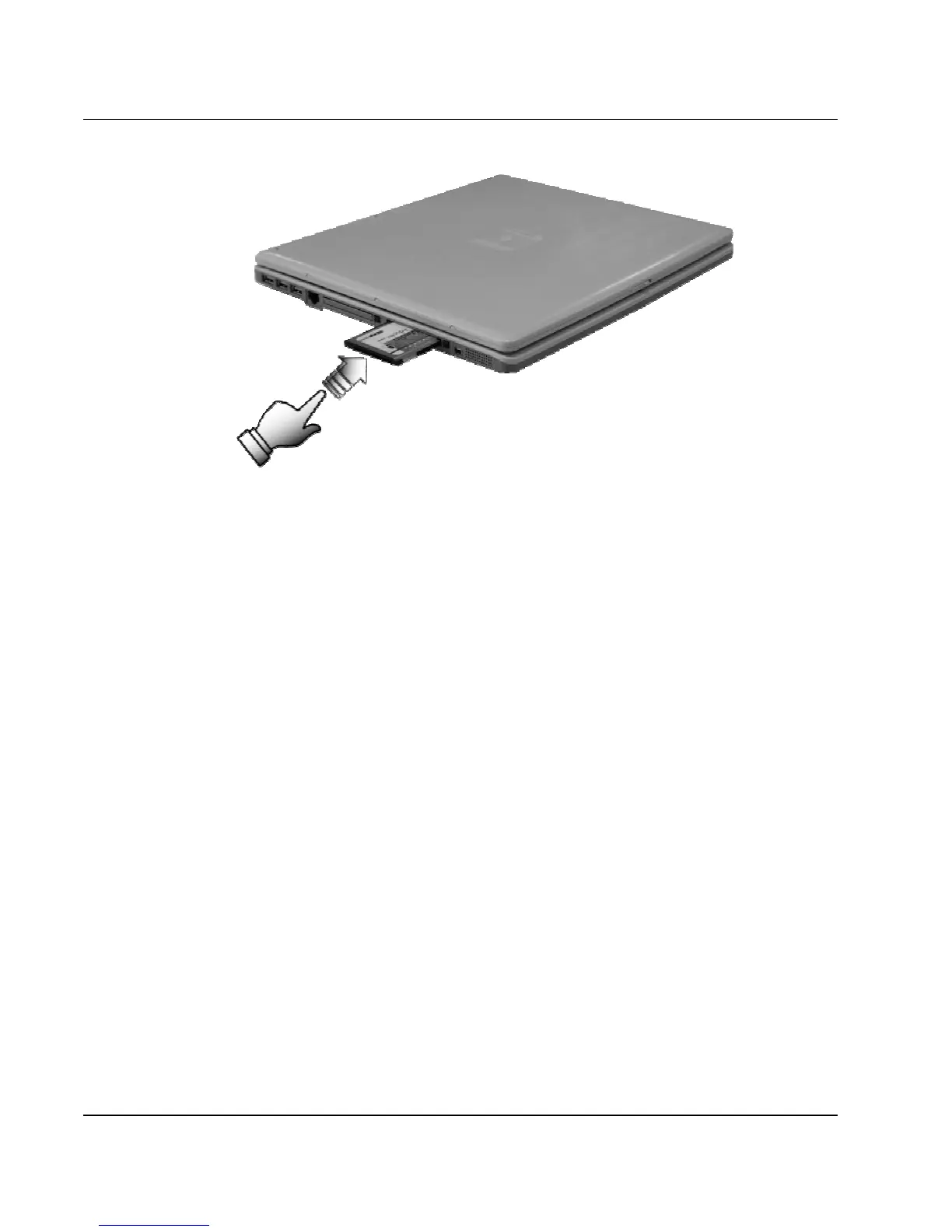
3. Then you can remove the inserted PC card, push the button found on
the right side of the PC slot to release the eject button. Then push it
again to release the PC card.
4. When the PC card has moved out a space out of the slot, hold the edges
of the card and slowly slide it out.



 To Next Page