97
Based Memory Installing Memory Total
512 MB 128 MB 640 MB
512 MB 256 MB 768 MB
512 MB 512 MB 1024 MB
INSTALLING MEMORY MODULE
Your computer comes with standard 128MB, 256MB or 512MB of
synchronous DDR SDRAM . You can increase system memory to a
maximum of 1024 MB in the system, by installing one small outline double
inline memory modules (SO-DIMMs) with installed base memory in the
system.
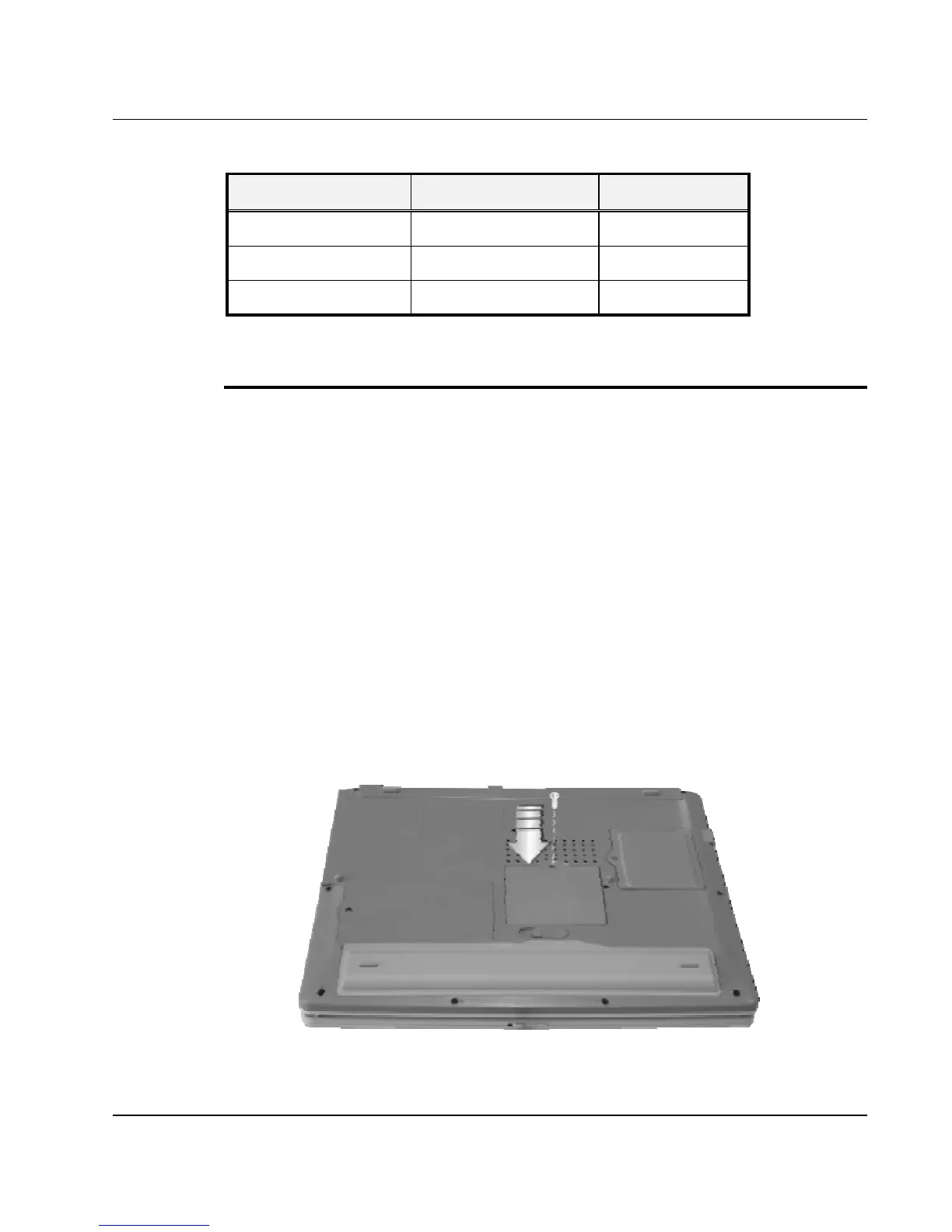
To install the memory module:
1. Make sure the system is powered off, the battery also is removed and
that no peripheral devices are attached.
2. Turn the computer upside-down and locate the screw that secures the
SO-DIMM door at the underside of the notebook.
3. Remove the screw and open the SO-DIMM cover by your finger.



 To Next Page