Notebook User Guide
66
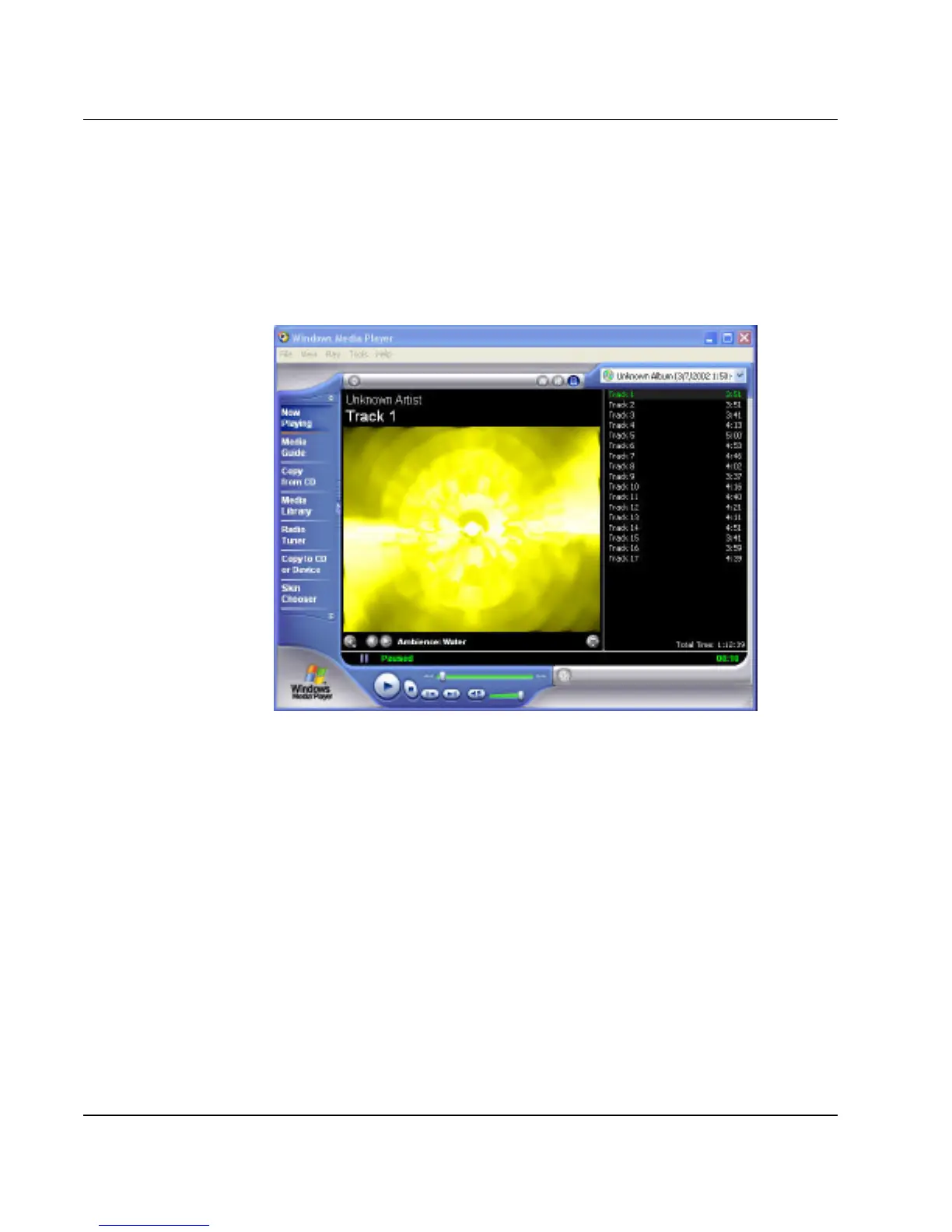
3. Insert the audio CD into the optical disk drive. Unless you have disabled
the CD auto-insertion notification for supporting Suspend mode, the CD
Player should automatically run after you have inserted an audio compact
disc and will start playing the audio CD.
Figure 4-5 Play Audio CD by Windows Media Player
4. Select the starting point where you want to start recording.
5. Switch to the Sound Recorder and press the Record button.
6. Switch immediately to the Windows Media Player and press the Play
button. You can adjust the volume control so you can also hear the
music while recording.



 To Next Page