Notebook User Guide
64
1. Double-click on the Volume Control on the taskbar or click Start button,
then point to Programs, Accessories, Entertainment and then click on
Volume Control.
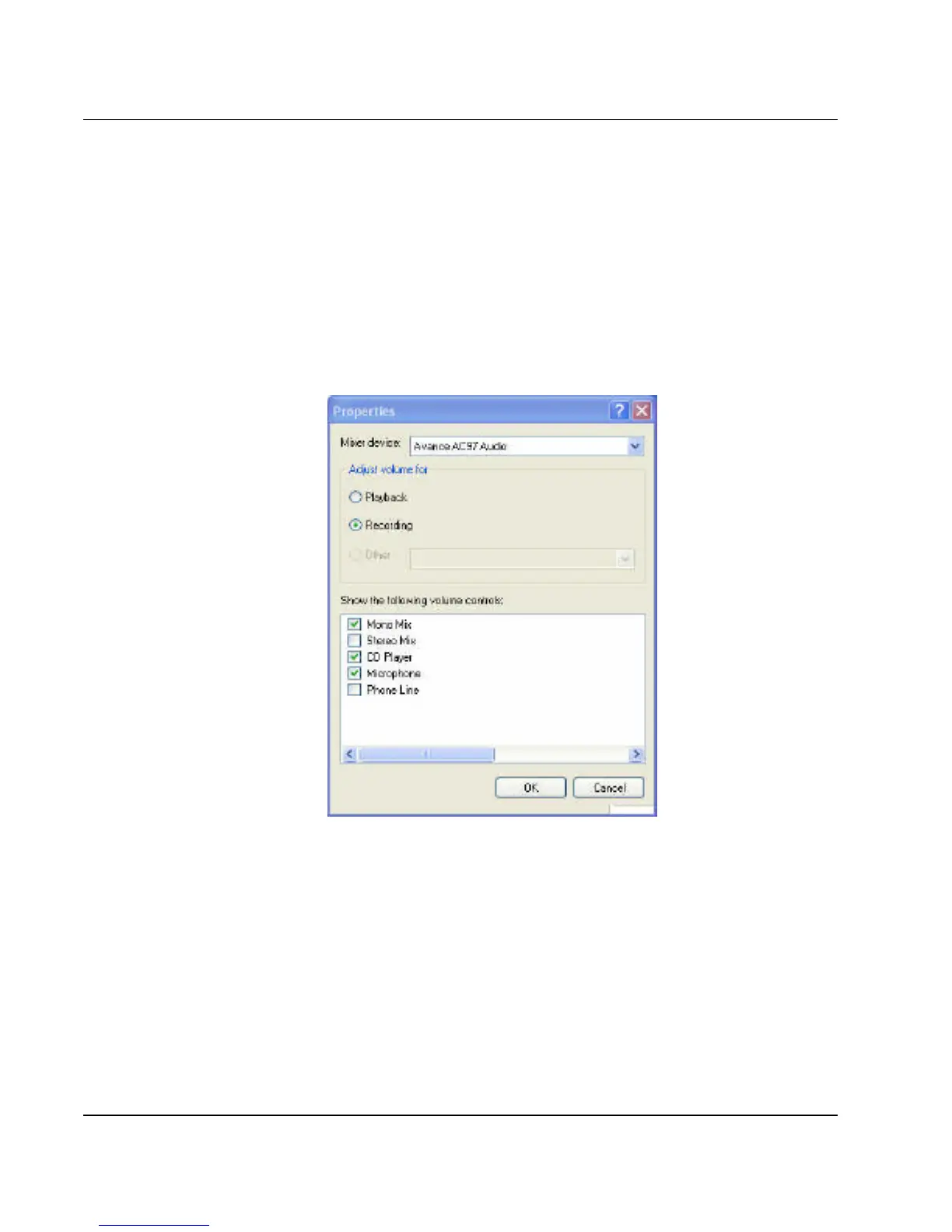
2. Click Properties in the Options main menu.
3. Click the round button for Recording and tick off each component that
list in the "Shows the following Volume Controls" box.
Figure 4-3 Audio Properties
4. Click OK and the Recording Control dialog box will appear. Here, you
will select the input device for the recording source. If you want to
record from the optical disk drive with audio music, you must click on
CD Player.



 To Next Page