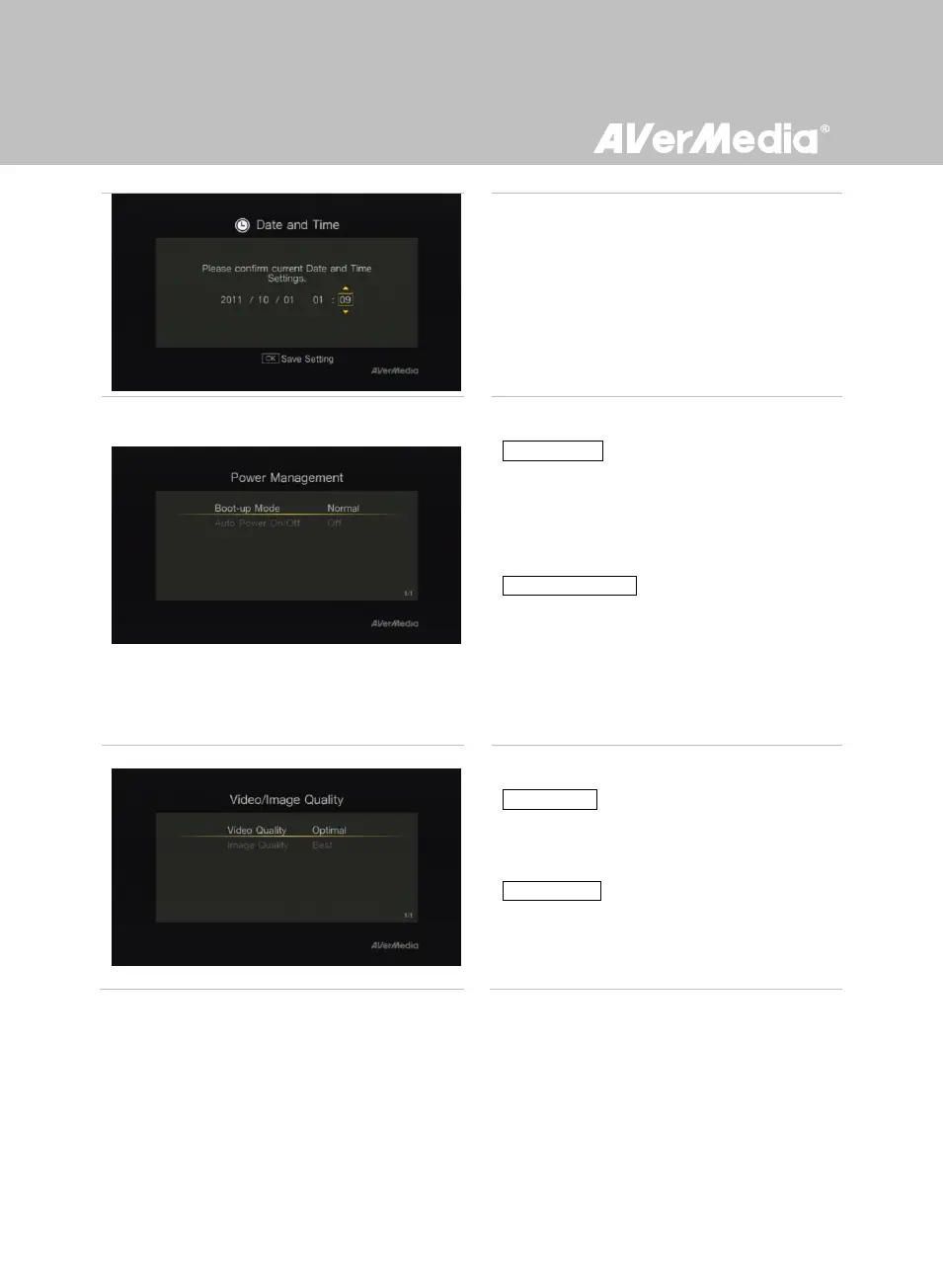
Power Management
Boot-up Mode
Use ▲/▼ to switch between different boot-up
modes (Normal/Fast). Press OK to confirm.
*Fast Mode speeds up the boot time, though more electricity is
consumed.
Auto Power On/Off
Use ▲/▼ to set the device to auto-power on
or off. Press OK to confirm.
* Auto-power off:
the device auto powers off when the signal input is
unavailable for 10 minutes. The device auto powers on when
the signal input is back on.
Video/Image Quality
Video Quality:
Use ▲/▼ to toggle among various video
quality options (Optimal /Good / Maximum
recording length). Press OK to confirm.
Image Quality:
Use ▲/▼ to toggle among various image
quality options (Best /Better / Good). Press OK
to confirm.



 To Next Page