Getting Started 1-5
Selecting the Printer’s Language
To change the printer’s menu language:
1. Press MENU.
2. Press or until you see SETUP. Press SELECT.
3. Press or until you see LANGUAGE. Press CHANGE.
4. Press or until you see the language you need, then press SET.
5. Press BACK until you see “Ready,” then press SELECT.
Printing a Test Label
Before you call Technical Support, print a test label.
1. From the Main Menu select TLABEL.
2. Press or to scroll through the test label options:
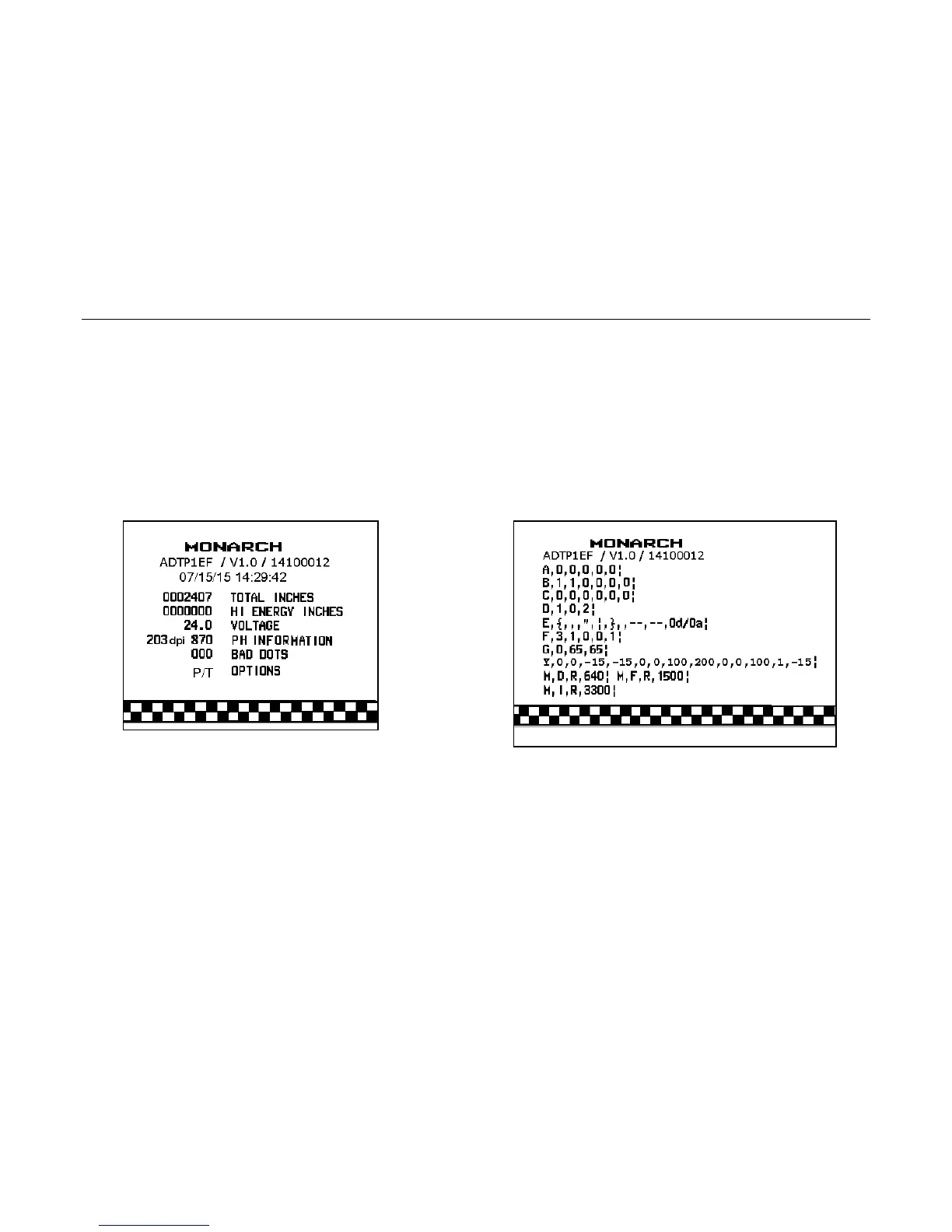
Printer Information MPCL Label
Contains generic information, including inch
counts and printhead resolution.
Contains the printer’s MPCL packet
configuration.
3. When you see the test label you need, press PRINT. Press BACK to return to the
previous menu without printing a test label.












 To Next Page