12/08 Rev. 5.01-01 USER MANUAL Commissioning & Operation
AP7.t
14
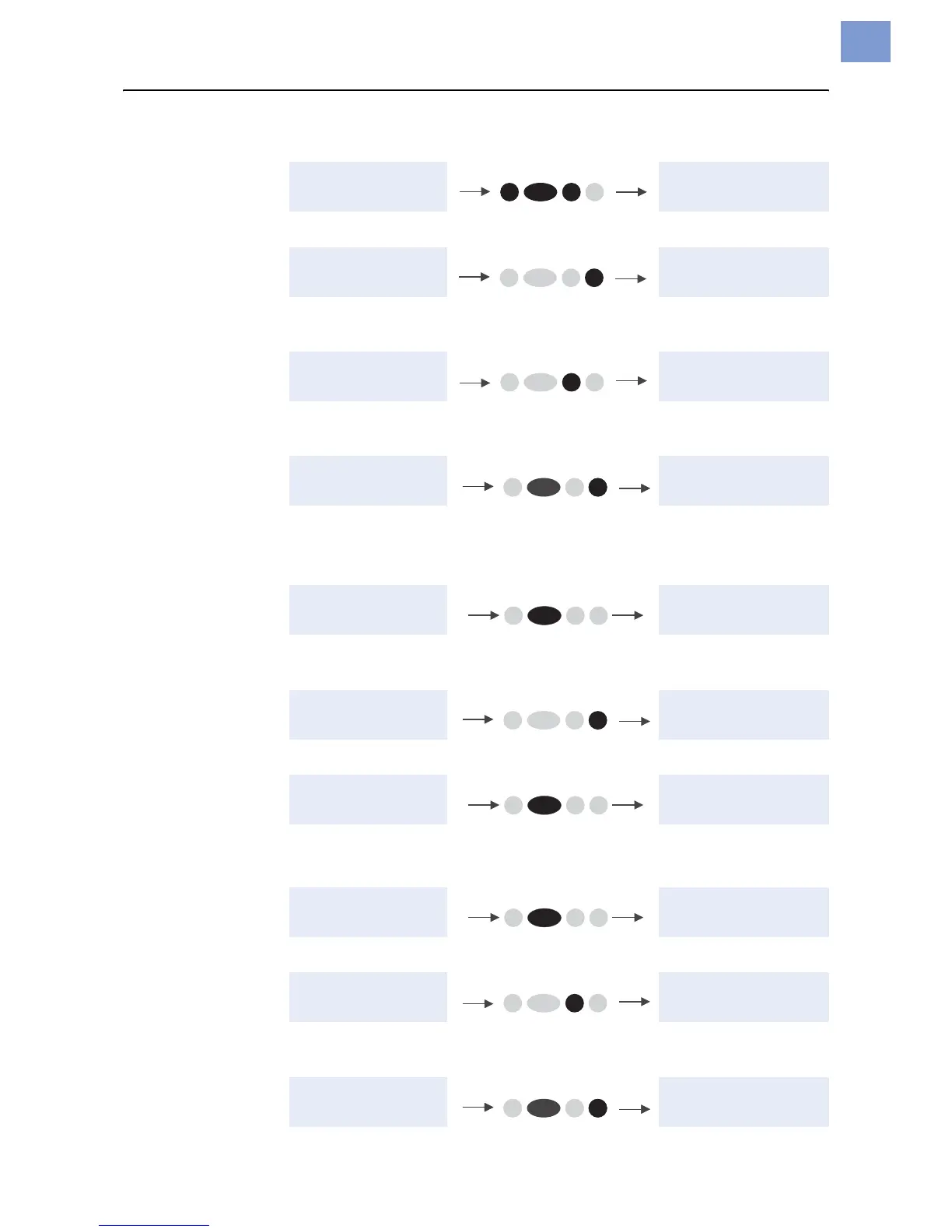
• Reset:
• Access the parameter menu:
• Feed material until the next punch is reached or as long as the button is held
down:
• Standalone operation: Selecting a print job stored on a CF card (e.g.,
Testdat.FOR):
Online operation
• Switching to offline mode:
• Setting the print contrast: Press the Feed button to increase and the Cut
button to decrease the print contrast.
• Interrupting the print job: The device will finish printing the current label.
• Switching to offline mode while the print job is stopped:
• Continuing the print job:
• Standalone operation: Selecting a print job stored on a CF card (e.g.,
Testdat.FOR):
OFFLINE x JOBS OFFLINE x JOBS
OFFLINE x JOBS PRINT INFO
OFFLINE x JOBS OFFLINE x JOBS
feeding…
OFFLINE x JOBS Choose a file
Testdat.FOR
ONLINE x JOBS OFFLINE x JOBS
ONLINE x JOBS Print contrast
xxx%
ONLINE X JOBS
Restcount XXX
ONLINE X JOBS
Stopped XXX
a
a) The message “Stopped xxx” alternates with “Press Feed”.
ONLINE X JOBS
Stopped XXX
OFFLINE x JOBS
ONLINE X JOBS
Stopped XXX
ONLINE X JOBS
Restcount XXX
ONLINE x JOBS Choose a file
Testdat.FOR
Cut Online
Feed
Prog
Feed
ProgOnline
Online
Prog
Online
Online
Feed
ProgOnline












 To Next Page