8 XR Series Installation and Technical Instructions
Introduction
1.3 Display
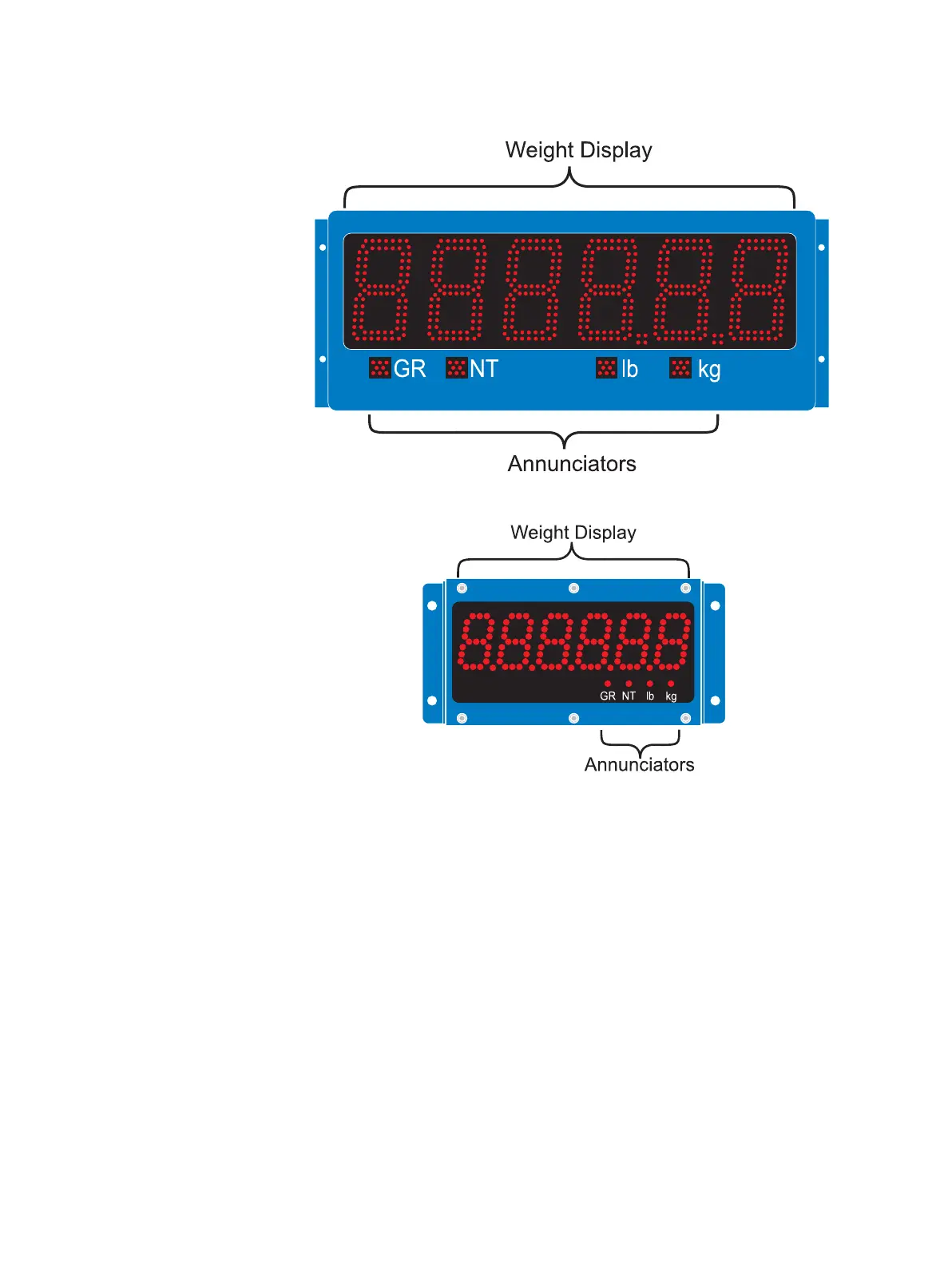
Figure 1.1 Display samples: Top-XR 4500, Bottom-XR 2000
The weight display is made up of 6 LED digits of 7 segments each. Up to 2
decimal places can be displayed. (Five decimals on the XR 2000).
The units have four annunciators under the display with bright LED markers:
GR = Gross Weighing Mode
NT = Net Weighing Mode
lb = Pounds
kg = Kilograms


 To Next Page
 Loading...