Chapter 2: Software Configuration 7
Confirm Installation
To confirm installation and communication:
1 Make sure you have enabled EUCON as explained in “Enabling EUCON in Pro Tools” on page 5.
2 Open a session if one is not already open.
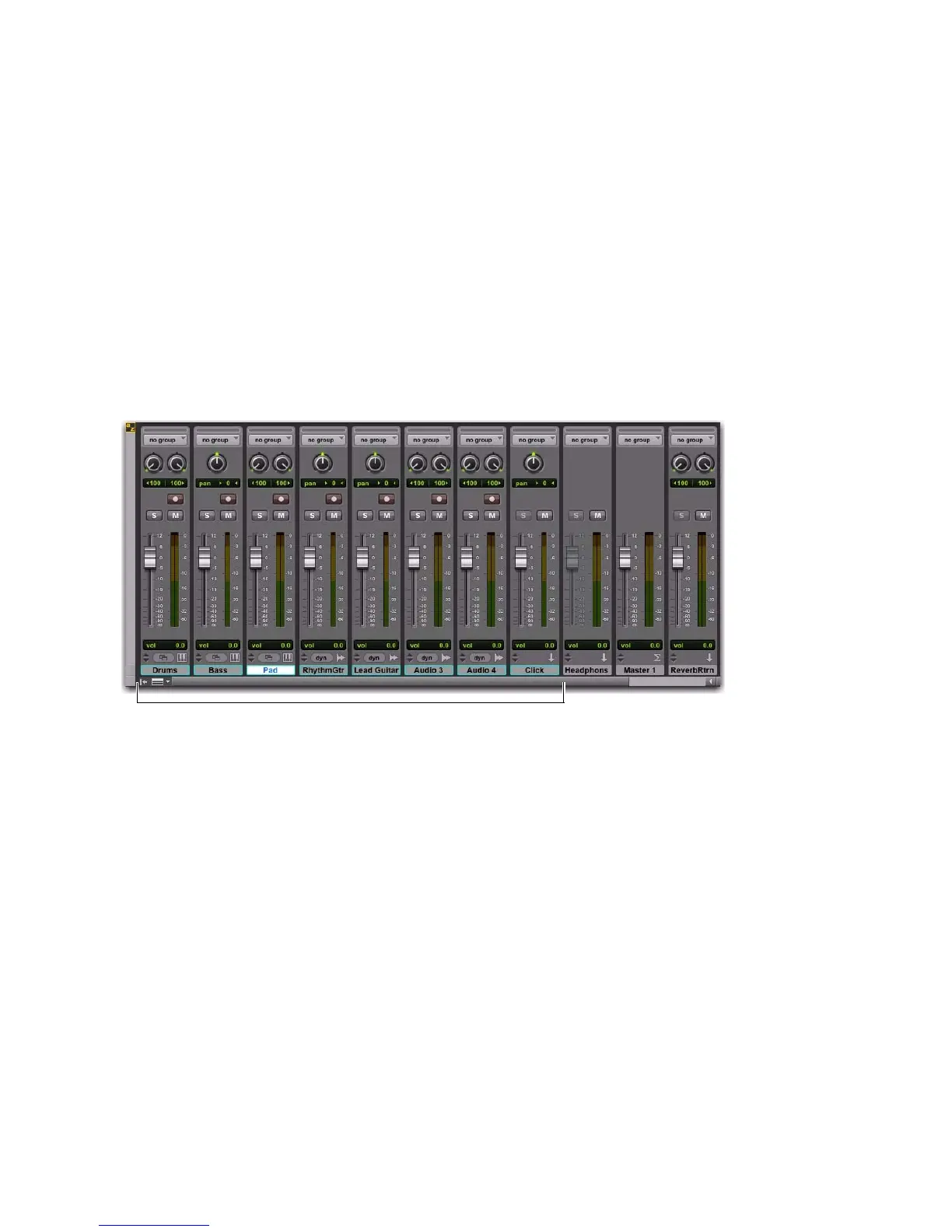
3 Verify the Mix window displays a blue-green border around Pro Tools tracks that are currently
banked to your controller.
4 Verify that the displays on your controllers show track names, location, or other session data, de-
pending on the unit. For example, the MC Transport shows the Main Counter (such as min:sec,
Bars|Beats, or other).
Color outlines in the Mix window showing currently banked tracks













 To Next Page