Chapter 6: Plug-ins and Sends 33
chapter 6
Plug-ins and Sends
This chapter explains how to assign and adjust plug-ins and sends on tracks.
Working with Plug-in Inserts
This section shows you how to work with plug-ins using MC Control or MC Mix.
Working with Plug-ins on MC Control
To access and edit a plug-in on MC Control:
1 Bank to and select the desired track by pressing its SEL key.
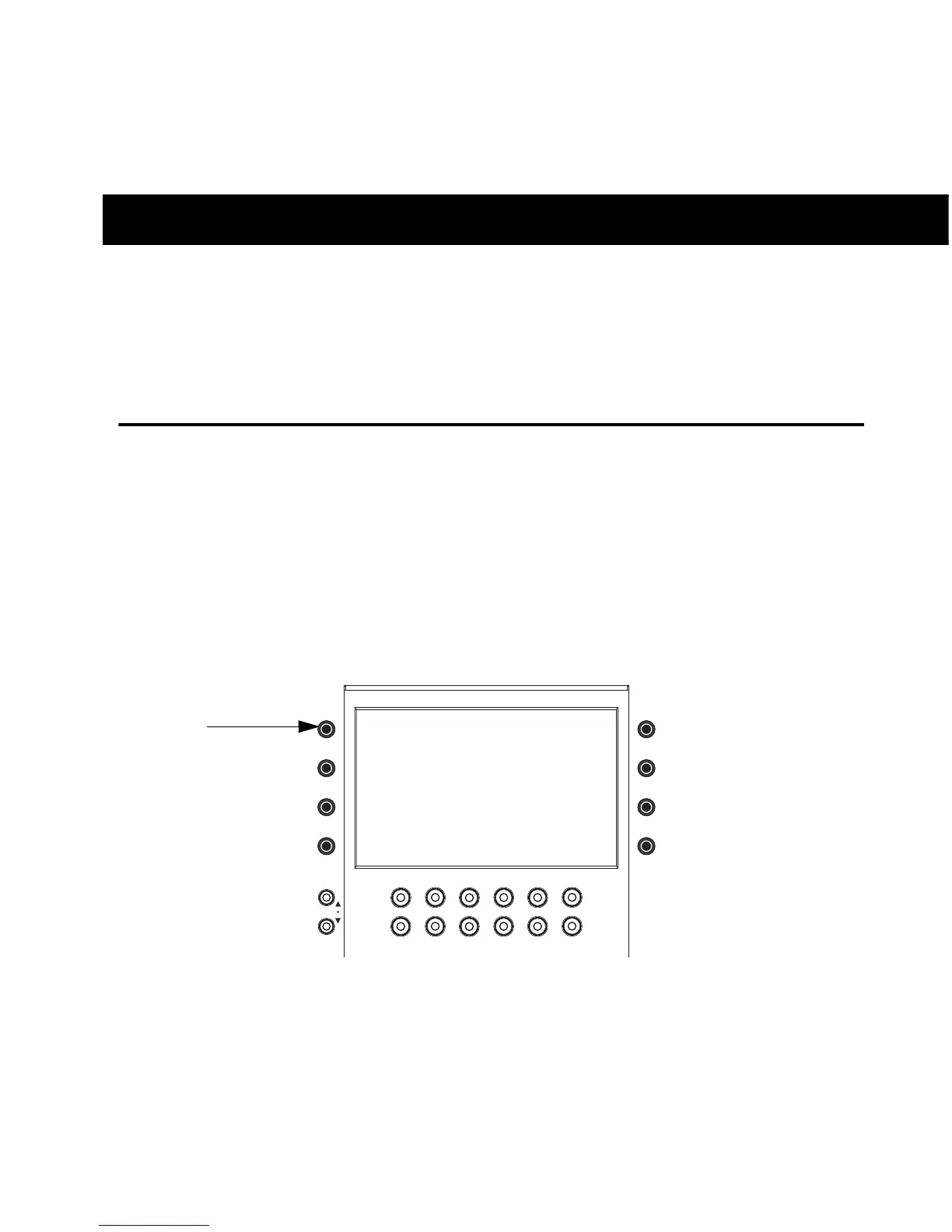
2 Press the INSERTS encoder.
If no plug-in is inserted in the current slot, the slot letter appears in lower-case (a, b, c, and so on). If
any plug-ins are already assigned in the current slot, the name of the plug-in is shown. Plug-in names
are abbreviated as necessary. For example, if the Avid Compressor/Limiter 3 dynamics plug-in is pres-
ent in the current slot, the display above its track shows CmprsLD.
Soft Encoder for Inserts













 To Next Page