Chapter 5: Editing 29
chapter 5
Editing
EUCON supports many Pro Tools editing features, including tool and mode selection, zooming, and
Jog/Shuttle. Soft Keys provide many additional commands on units with Soft Keys or a Touchscreen.
Selecting Edit Tools and Edit Modes
This section shows how you can use the Soft Keys on MC Control and other units for one-button ac-
cess to Edit Tools and modes.
To change Edit Tools using an MC Control:
1 Press SHIFT+SOFTKEYS/HOME to return the Soft Keys to their first (home) page.
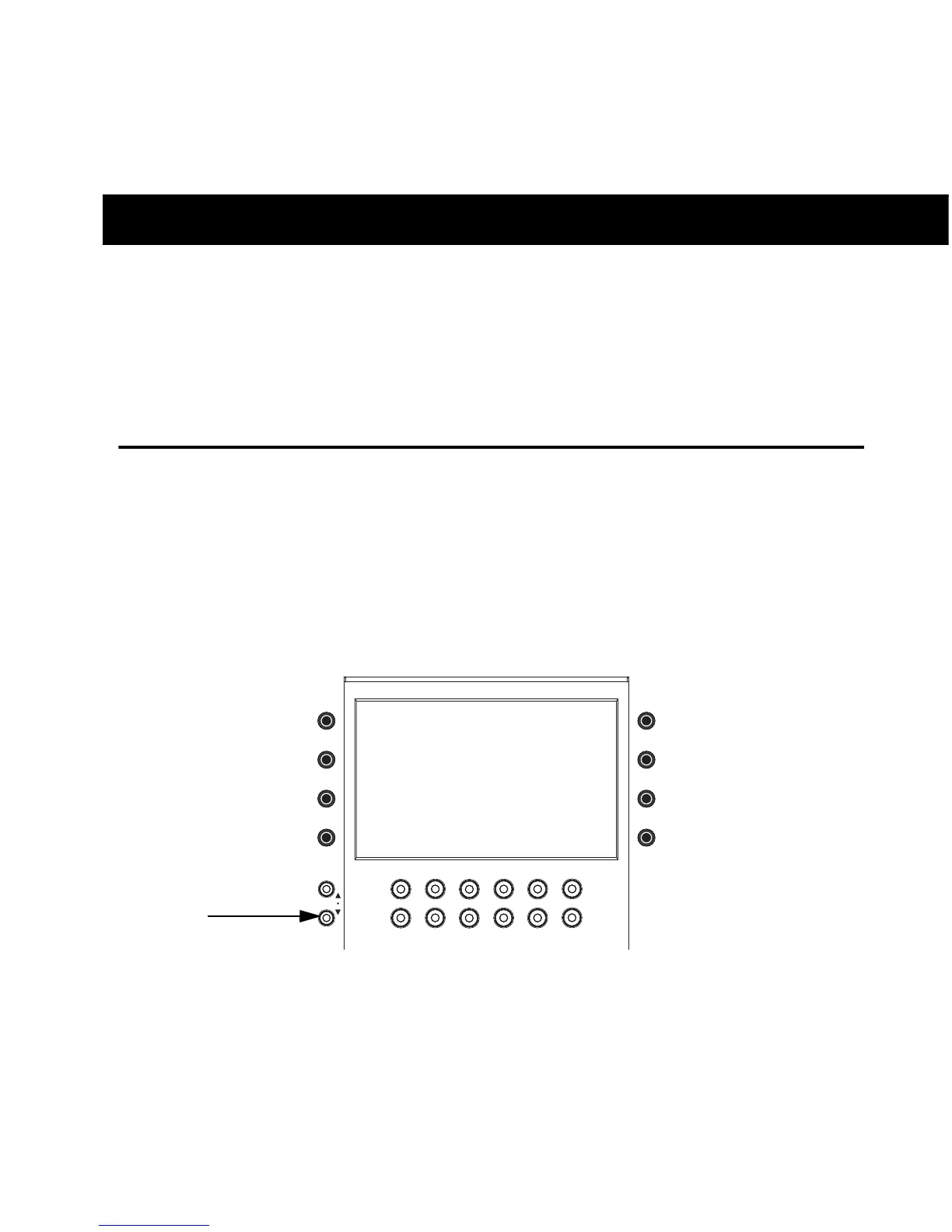
2 Press the SOFT KEYS V (down) key once to navigate the Soft Keys to the second page.
The Soft Keys display shows Edit Tools and Edit Modes.
3 Press the Soft Key for the desired Edit Tool (such as the Smart Tool, Trim, or Grab).
Soft Keys V (down)













 To Next Page