Avira Premium Security Suite
54
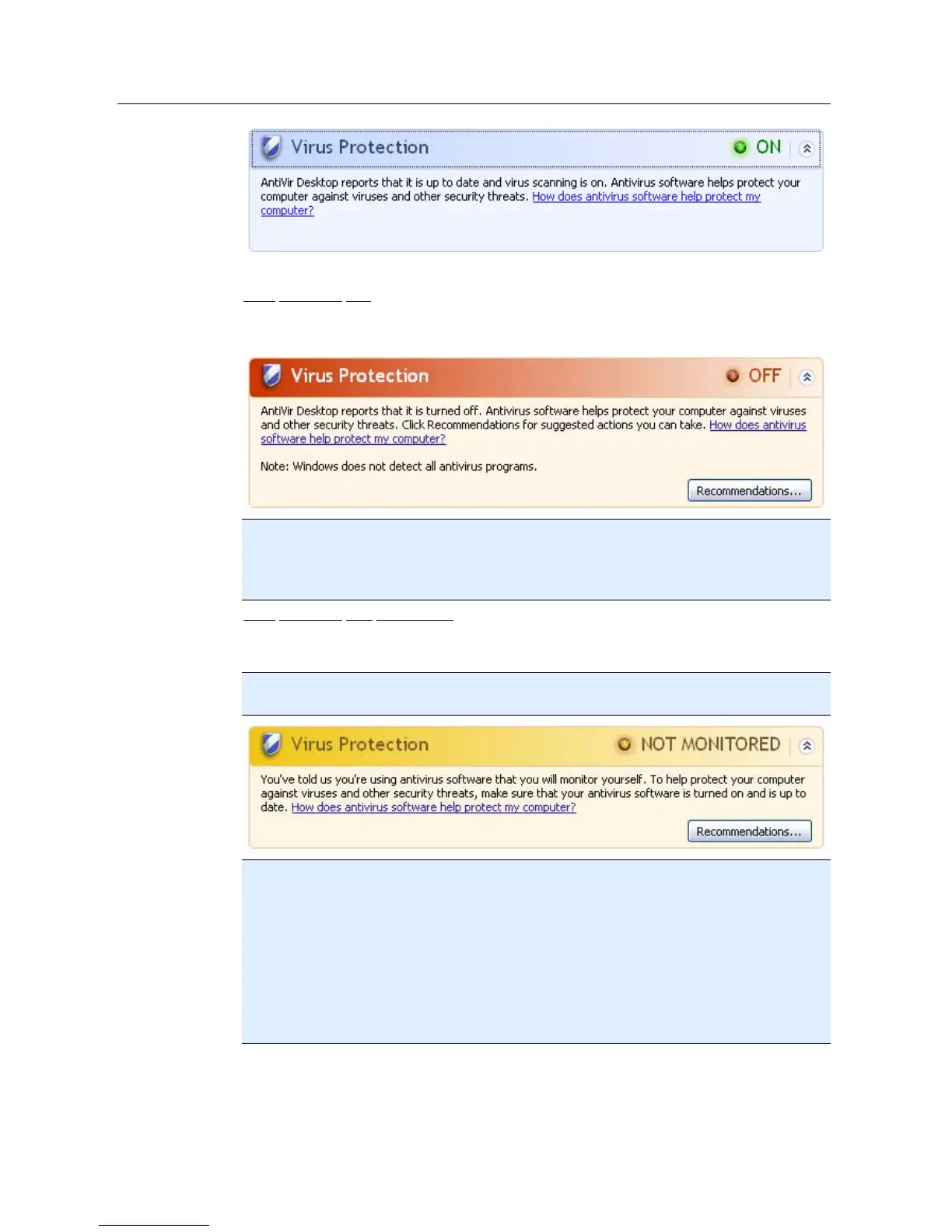
Avira Premium Security Suite is now up to date and the AntiVir Guard is enabled.
Virus protection OFF
You receive the following message if you disable the AntiVir Guard or stop the Guard
service.
Note
You can enable or disabled AntiVir Guard in the Overview :: Status section of theAvira
Premium Security Suite Control Center . You can also see that the AntiVir Guard is
enabled if the red umbrella in your taskbar is open.
Virus protection NOT MONITORED
If you receive the following message from the Windows Security Center, you have
decided that you want to monitor your anti-virus software yourself.
Note
This function is not supported by Windows Vista.
Note
The Windows Security Center is supported by Avira Premium Security Suite. You can
enable this option at any time via the button "Recommendations...".
Note
Even if you have installed Windows XP Service Pack 2 or Windows Vista, you still require
a virus protection solution, e.g. Avira Premium Security Suite. Although Windows XP
Service Pack 2 monitors your anti-virus software, it does not contain any anti-virus
functions itself. Therefore you would not be protected against viruses and other malware
without an additional anti-virus solution!



 To Next Page