4
I
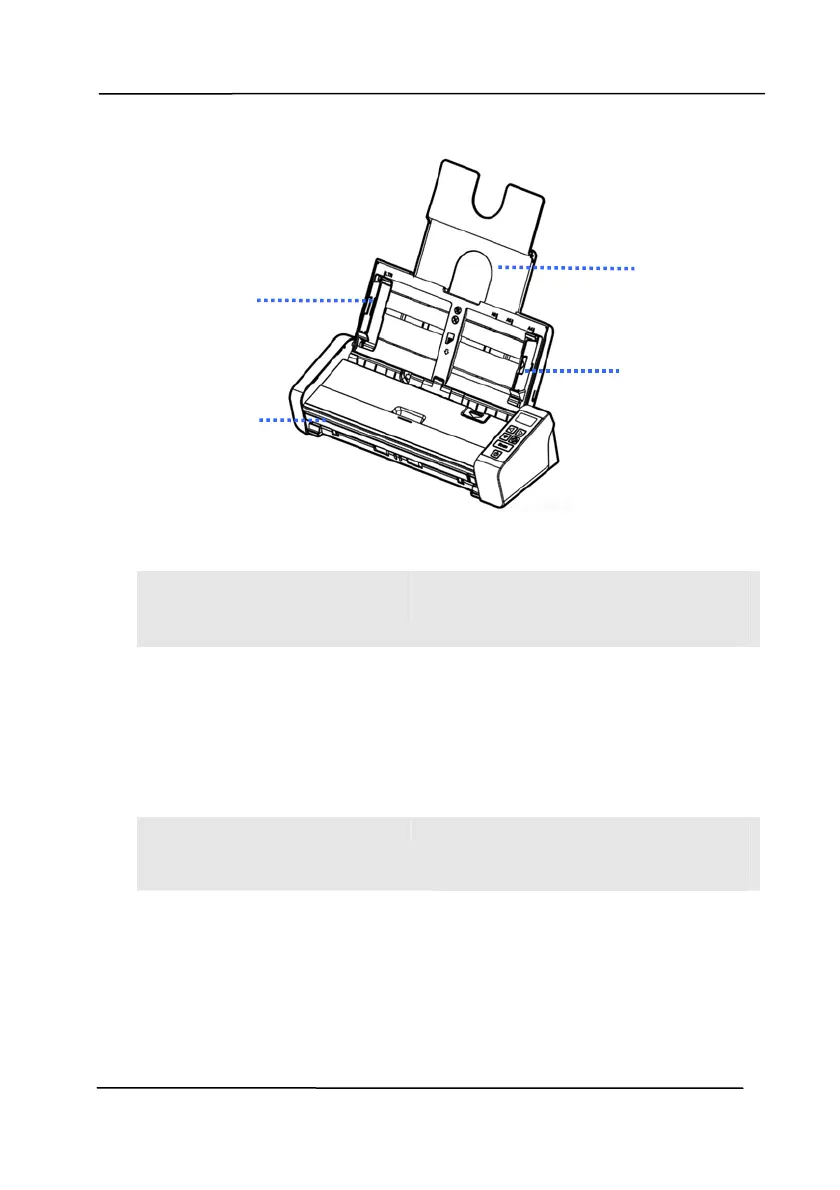
TEM NAME DESCRIPTION
1
Document
Extension Plate
Open the plate to support the
document when loading a long
document.
2
Document
Guides
These guides ensure
documents are fed straight.
Raise the guides when loading
a document, and then align
them to the edges of the
document to be scanned.
3
Front Feed tray
This tray is used for feeding
documents. Open it when
scanning documents.



 To Next Page