User’s Manual
21
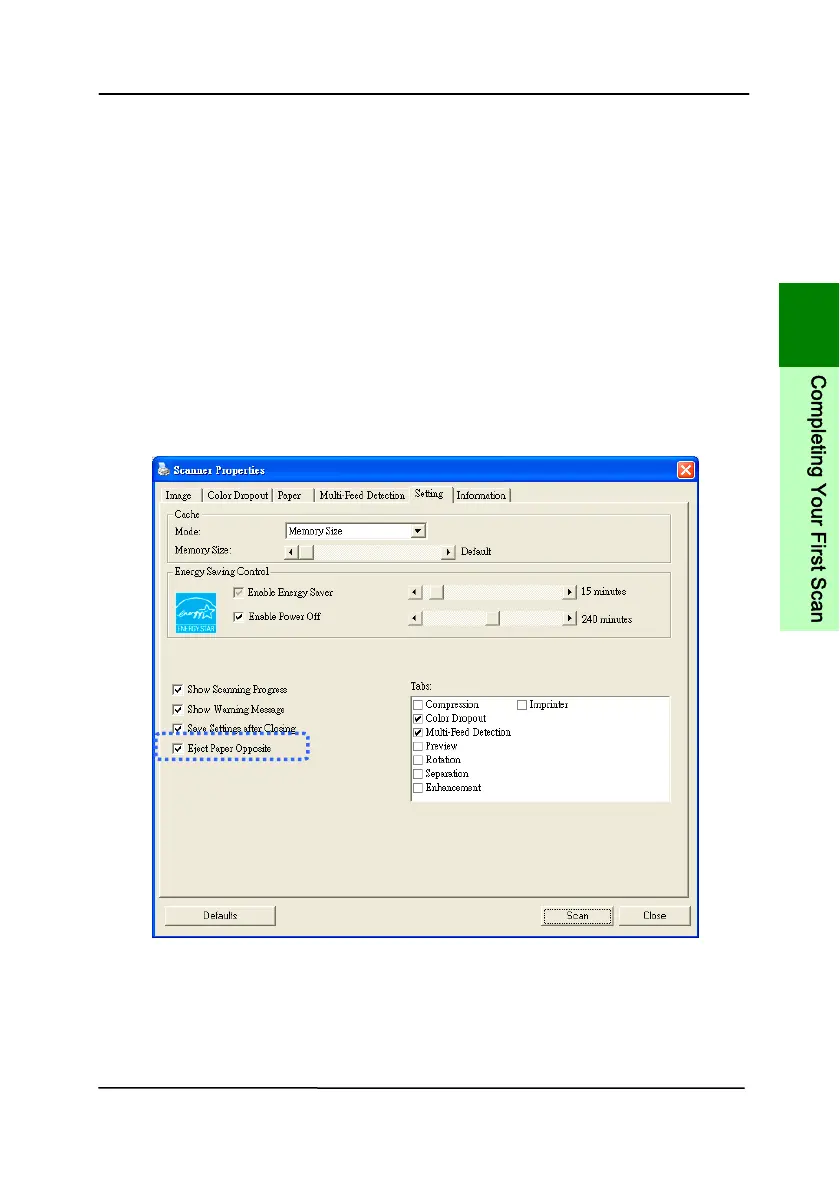
3.1.6 Ejecting Paper Opposite
If you are feeding paper from the front or rear feed tray, the
scanner provides two eject paths: documents can be ejected to
the opposi
te side of your feed tray, or to the same side of your
feed tray (default).
You can switch between these paths by checking or not checking
the “eject paper opposite” on the [Setting] tab of the TWAIN
user interface (scanner Properties dialog box). Select an eject
method according to your needs.
Note: The feature is only available in Avision TWAIN driver for
Windows.
3
C
o
m
p
l
e
t
i
n
g
Y
o
u
r
F
i
r
s
t
S
c
a
n



 To Next Page