146
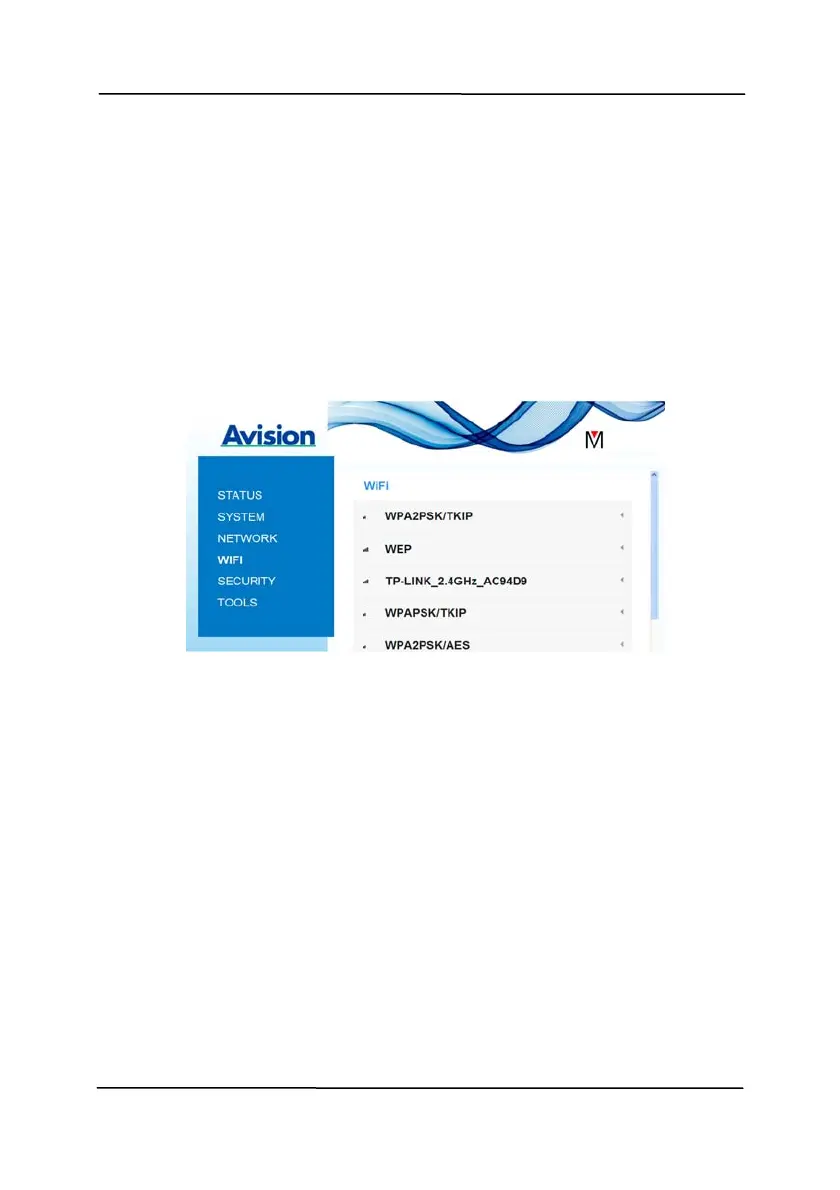
7.4.5 The WIFI Page
The [WIFI] page al
lows you to connect Scanner to a wireless
network.
To connect Scanner to a wireless network,
1. Click [WIFI]. All the available wireless networks will be
displayed.
2. Choose the network name (SSID) which you wish to connect
to and then click the [Connect] button. (Wait for 60
seconds while the connection is processed.) If required, type
your network password (or security key) and click [OK].
3. After successful connection, the selected Network Name
(SSID) will be marked with [connected].
4. To disconnect the network, highlight it and click
[Disconnect]
.



 To Next Page