User’s Manual
139
7.3 Scanning a document from a mobile device
Make sure that the MB Application (Scan App) has been
in
stalled on your mobile device. The MB Application can be
purchased for free from an application store such as Google
Play.
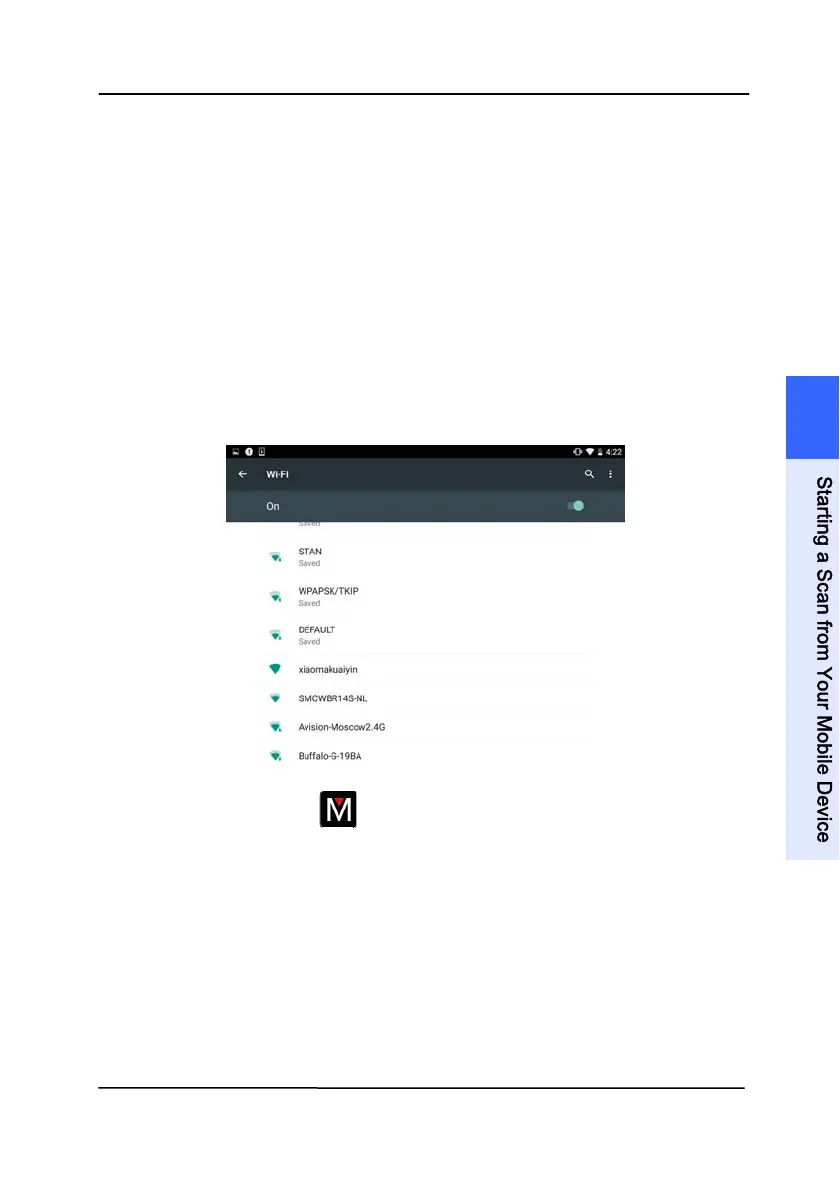
1. Enable [Wi-Fi] from [Settings] of your wireless computer,
smartphone, or tablet and then choose the same network
name (SSID) of your scanner.
2. Tap the MB app (
) on the screen to launch the Scan
Application. The main window will be displayed and the
application will automatically search a scanner in the same
wireless LAN. If successful, [Start scan] will be displayed
at the bottom as shown below.
7
S
t
a
r
t
i
n
g
a
S
c
a
n
f
r
o
m
Y
o
u
r
M
o
b
i
l
e
D
e
v
i
c
e



 To Next Page