User’s Manual
35
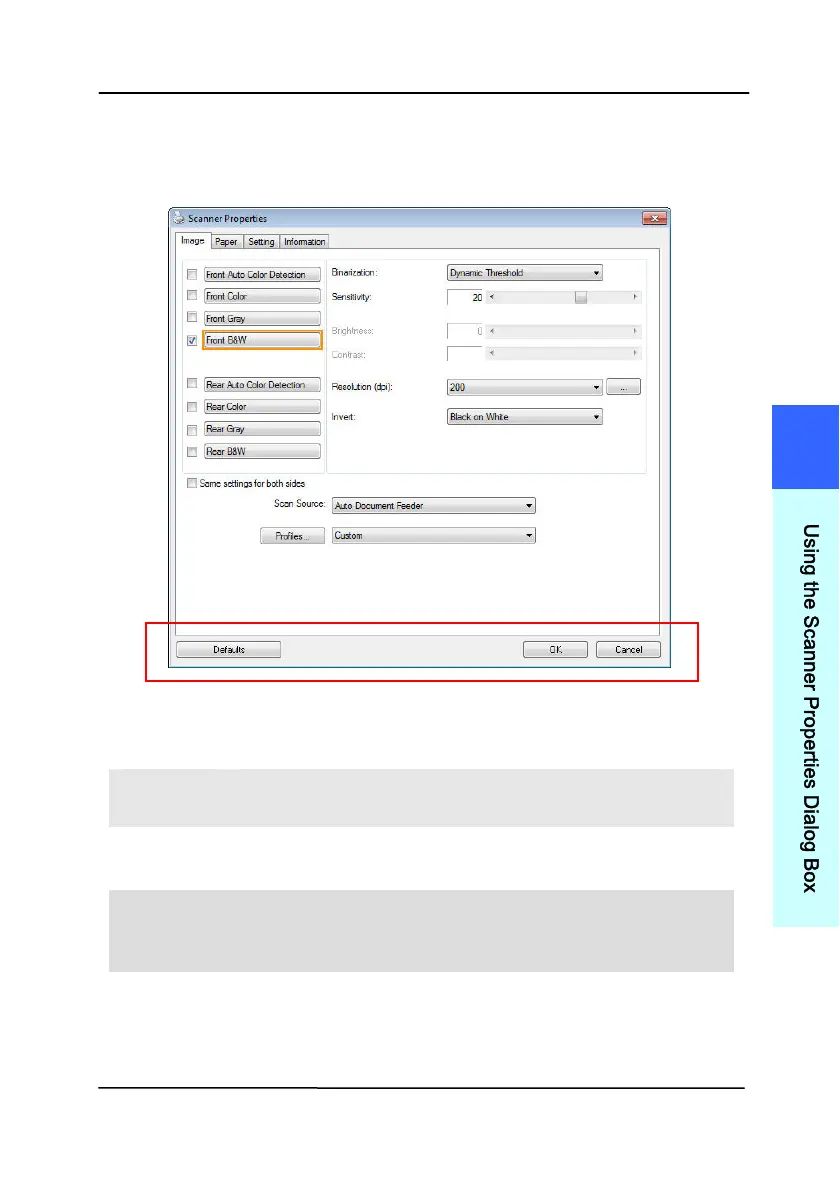
4.1 Buttons on the Scanner Properties Dialog Box
The buttons on the Scanner Properties dialog box
B
UTTONS
D
ESCRIPTION
Defaults Click the Defaults button, the factory default
settings will be shown on each tab.
Cancel Click the Cancel button to leave the Scanner
Properties dialog box.
Preview
Window
(Mac)
Click to show a preview image in a low
resolution.
4
U
s
i
n
g
t
h
e
S
c
a
n
n
e
r
P
r
o
p
e
r
t
i
e
s
D
i
a
l
o
g
B
o
x



 To Next Page