User’s Manual
143
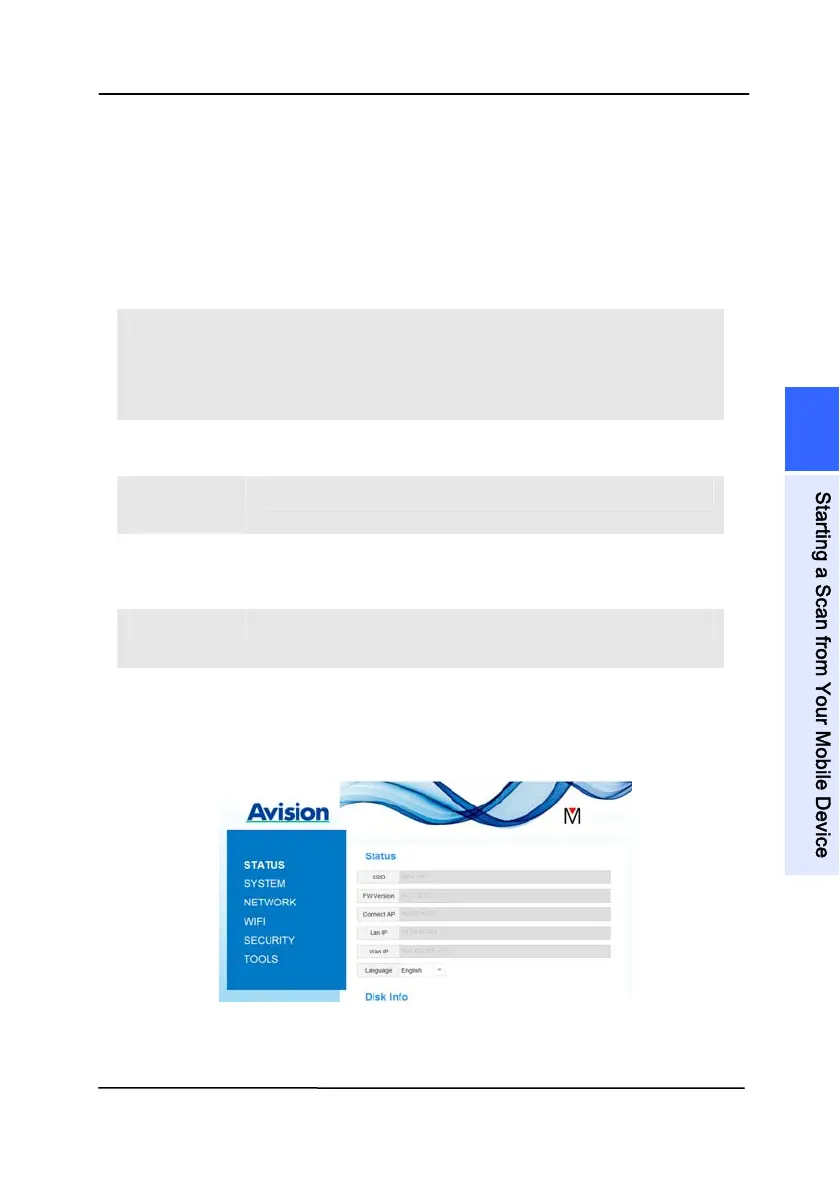
7.4.2 The Status Page
The [Status]
page includes the following information:
N
AME DESCRIPTION
SSID Displays current network name for the
scanner.
You may change the name on the
“Network” option.
FW
Version
Displays current firmware version.
Connect
AP
Displays connected Access Point (AP).
LAN IP Displays IP address obtained from wired
Ethernet network.
WAN IP Displays Wireless IP address.
Language Displays current language for the web
page.
Choice: English, Chinese
7
S
t
a
r
t
i
n
g
a
S
c
a
n
f
r
o
m
Y
o
u
r
M
o
b
i
l
e
D
e
v
i
c
e



 To Next Page