140
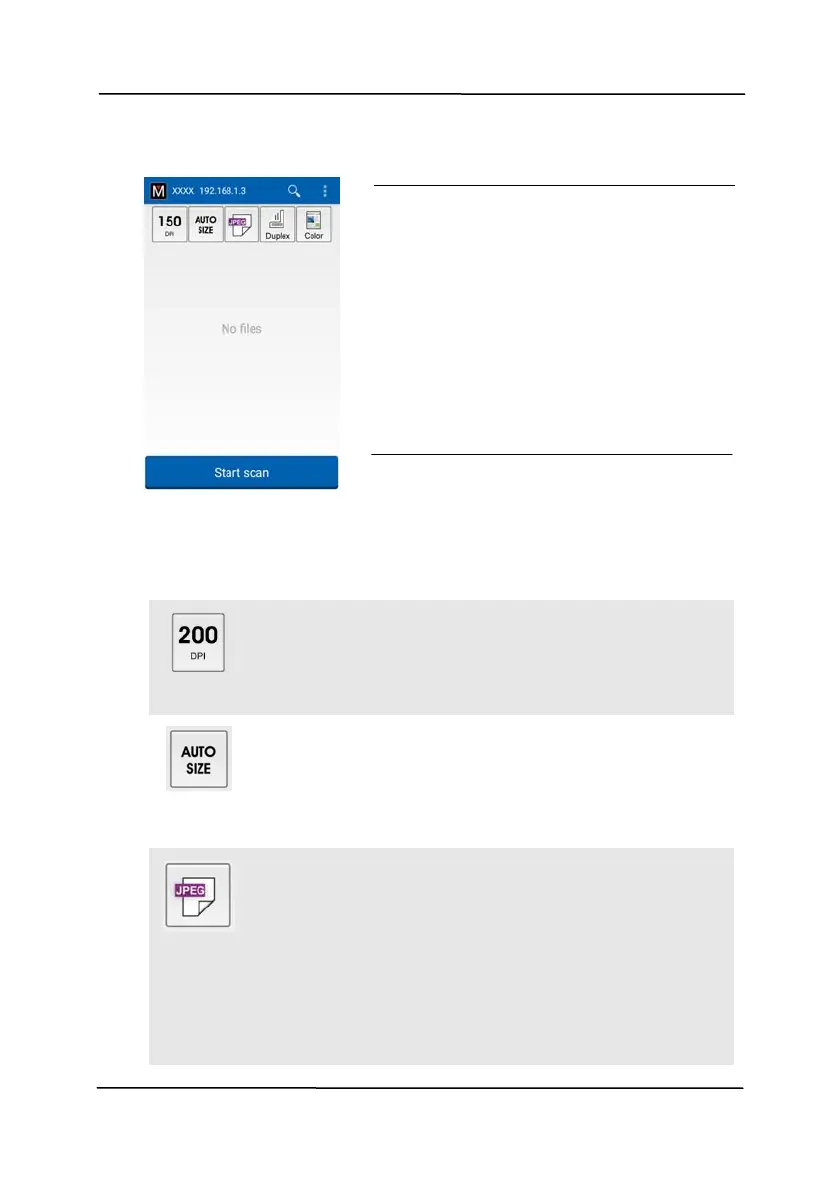
3. Check if the default settings meet your requirements. If not,
change the scan settings to fit your specific scanning task.
I
TEM DESCRIPTION
Resolution: Select your desired resolution.
The higher resolution, the greater the image
quality and disk space.
Choice: *150, 200, 300 dpi
Scan Size: Select your paper size or you may
choose Auto to let the scanner detect your
document size automatically.
Choice: *Auto size, A4, LTR (Letter), LGL
(Legal), 4x6, 5x7
File Format: Select the file format for your
image.
Choice: *JPEG, PDF, TIFF
Note:
The JPEG file does not support the B&W
image.
The TIFF file format supports only the
B&W image.
ATTENTION:
If the scanner is not found, please
check the followings:
1. The scanner is not ready yet.
Tap [More Settings] and then
[Search scanner] to search
the scanner again.
2. Check if the mobile device and
the scanner are in the same
wireless LAN.



 To Next Page