58
NOTE:
If you have purchased a duplex sheet-fed
scanner, choose [Merge Two Sides] on the
[Scan Source], then the scanner is able to
scan both sides of your document and
merge them into a single image.
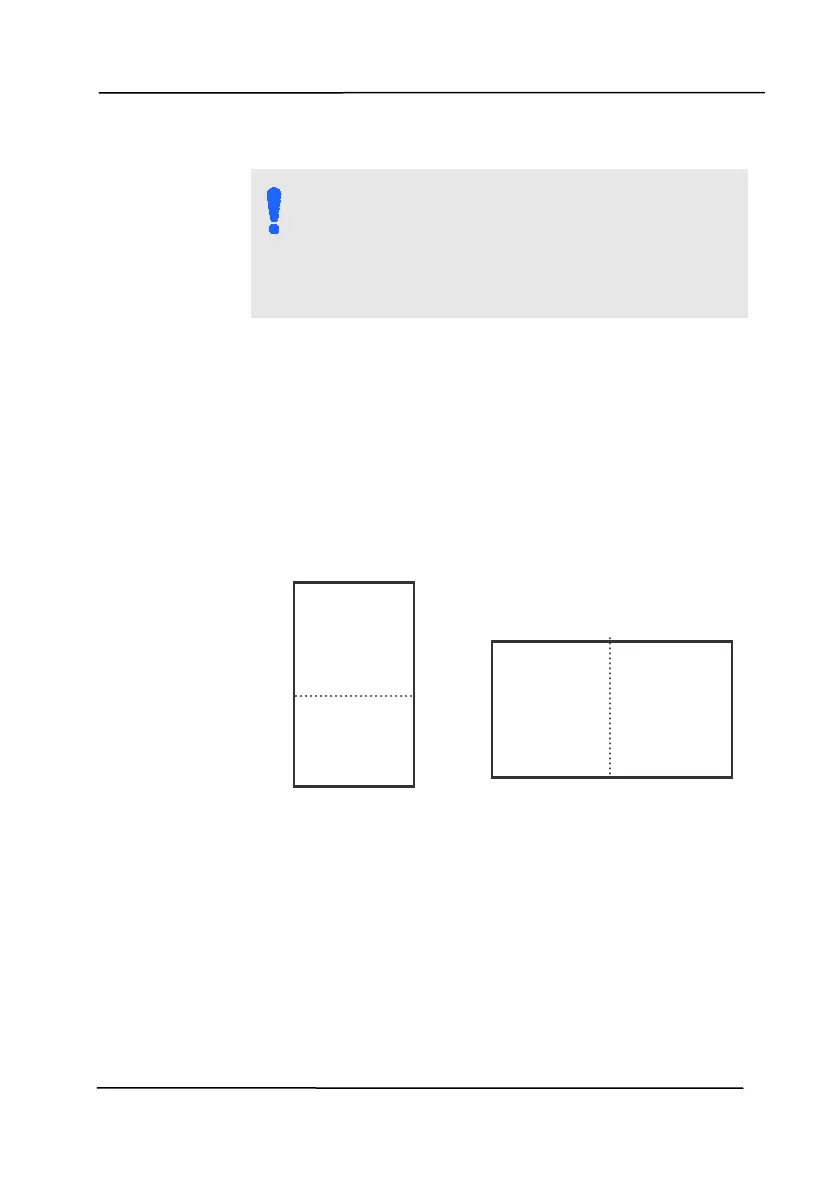
If “Merge Two Sides into One Image” is
selected, its choice will be available including
“Merge Horizontally”, “Merge Vertically”, “Merge
Vertically (Back Side Flip)”. If the reverse side
of your document is upside down, choose
“Merge Vertically (Back Side Flip)” and the back
side will be automatically rotated 180 degrees
and merged.
Note the options vary based on type of
scanner.
Front
Side
Rear
Side
Merge Vertically
Front
Side
Rear
Side
Merge Horizontally



 To Next Page