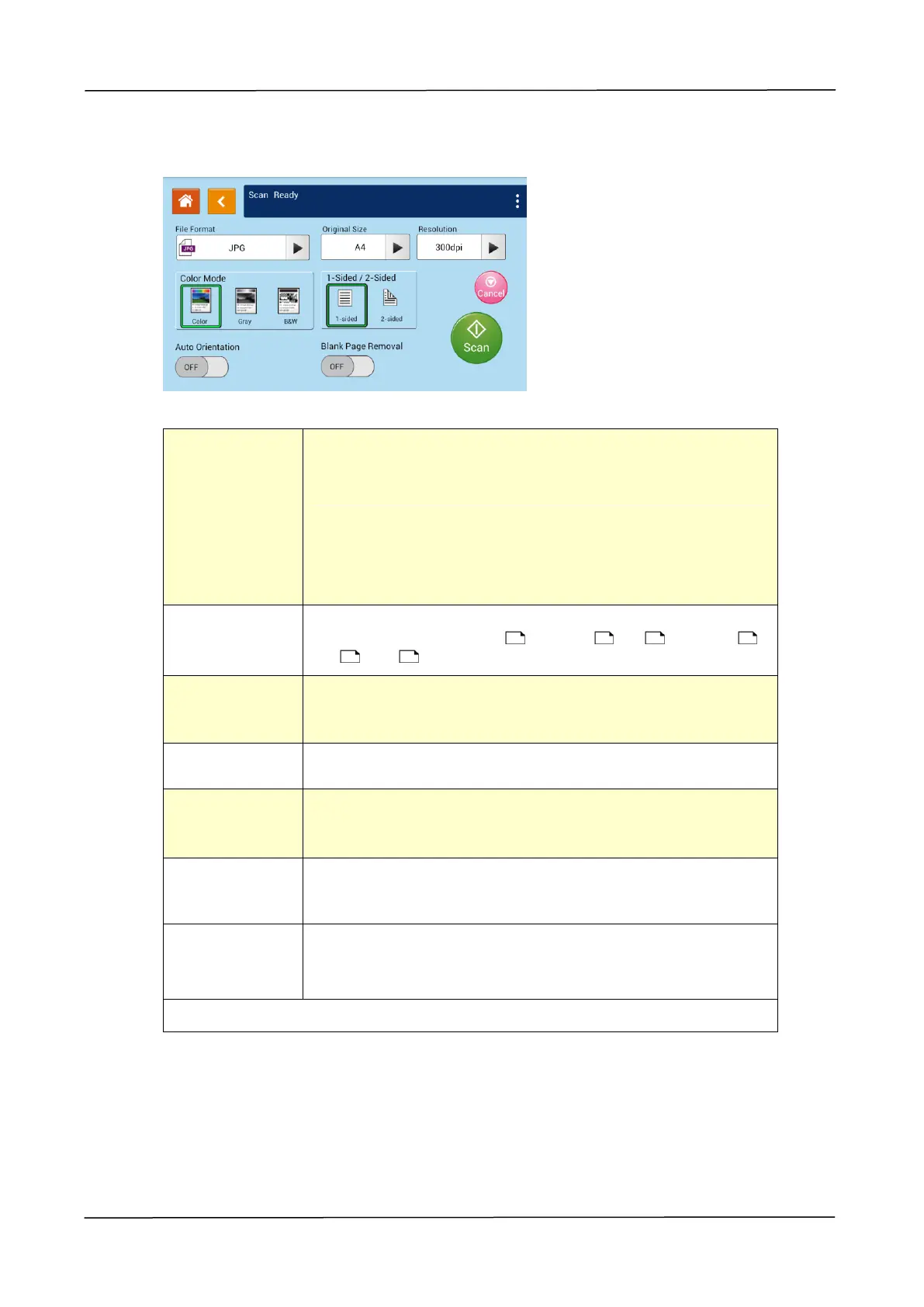
Scan Settings:
Choose the resolution of the scanned image. The higher
the value, the more details can be reviewed yet more disk
space will be required.
Choice: 150/200/300/600 dpi
150 dpi: Suits to be viewed on the screen.
200 dpi: Suits for most business document.
300 dpi/600 dpi: High quality image helps increase OCR
(optical character recognition) accuracy.
Choose your scan size.
Choice: Auto Detect/B5 , B5/A3 , A4 , A4, A5 ,
LGL , LTR , LTR
Choose your desired file format. Choice: M-PDF
(Multi-Page PDF)、PDF (Single-Page PDF)、JPG、BMP、
TIF。
Choose your color mode.
Choice: Color、Gray、Black and White
Choose if you wish to scan one side or both the front and
rear side of your document.
Choice: 1-Sided、2-Sided
Choose if you wish to enable the function of automatically
detecting the orientation of the original document.
Choice: Off/On
Choose if you wish to automatically remove blank pages
of your document.
Choice: Off/On
* Default settings to be shown in italic bold style



 To Next Page