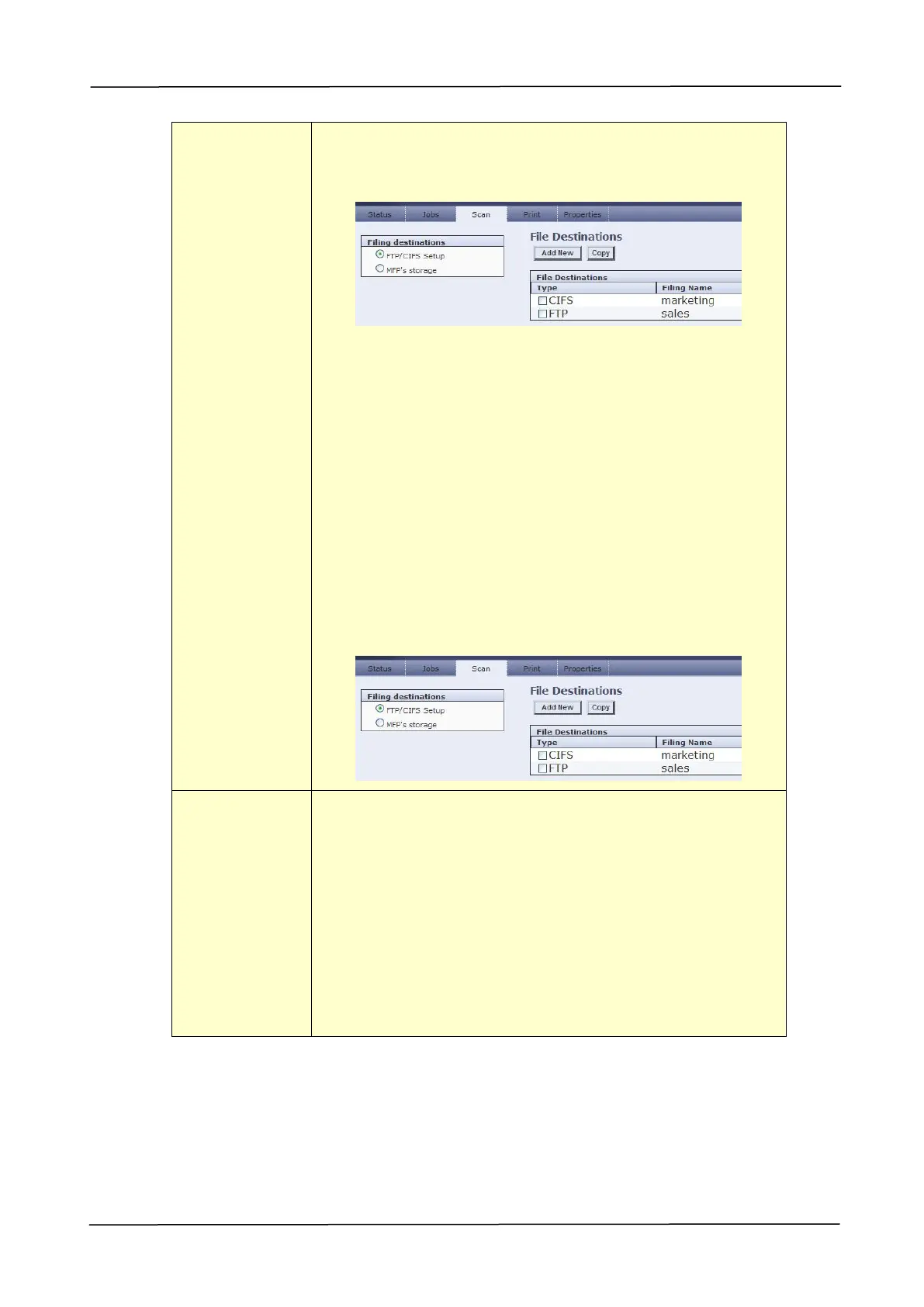
To edit (add/modify/delete) the FTP destination, please go
to the product’s embedded web site and then choose
Filing destination as shown in below:
Naming Method:Prefix_YYMMDDHHMMSS_#N. For
example, 「Marketing_150213144840_3.pdf」indicates
Marketing(prefix) 2015 (year) 2 (February) 13 (date) 14
(hour) 48 (minute) 40 (second) 3(serial number) (the
time the file has been sent)。
Scan to CIFS: Send the scanned image to the CIFS
server in the network.
Naming Method:Prefix_YYMMDDHHMMSS_#N. For
example, 「Marketing_150213144840_3.pdf」indicates
Marketing(prefix) 2015 (year) 2 (February) 13 (date) 14
(hour) 48 (minute) 40 (second) 3(serial number) (the
time the file has been sent)。
To edit (add/modify/delete) the CIFS destination, please
go to the product’s embedded web site and then choose
Filing destination as shown in below:
Display the default folder and file name. Tap the「File
Name Prefix」field to enter your desired prefix.
Directory: Public – indicates root directory in the
product’s memory.
File name: DOC – indicates default prefix, the prefix can
be changed as desired.
YYMMDDHHmmss –YY indicates the last two digits of
year, MM indicates month, DD indicates date, MM
indicates minutes, and SS indicates seconds.
#N – indicates series number.



 To Next Page