Setting the IP Address
FRITZ!Box – 6 Guidebook 43
Obtaining an IP Address Automatically in Windows 2000
Proceed as follows in Windows 2000:
1. Select “Start / Settings / Network and Dial-Up Connec-
tions”.
2. Double-click to select the LAN connection with the net-
work adapter bound to FRITZ!Box.
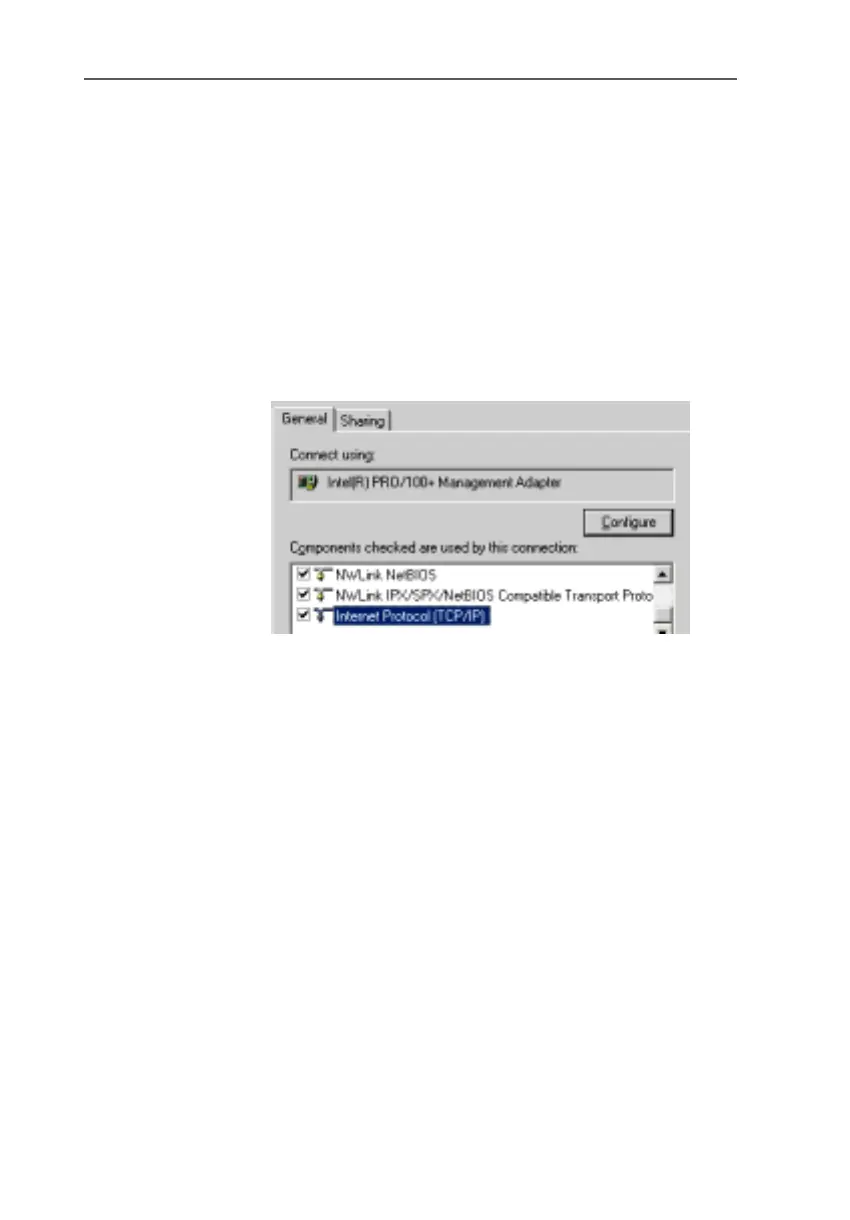
3. Click the “Properties” button.
4. Double-click to select “Internet Protocol (TCP/IP)” in the
list of network components.
Properties of the LAN connection of a network adapter
5. Activate the options “Obtain an IP address automatical-
ly” and “Obtain DNS server address automatically”.
FRITZ!Box-e.book Seite 43 Donnerstag, 8. Juli 2004 9:37 09









 To Next Page