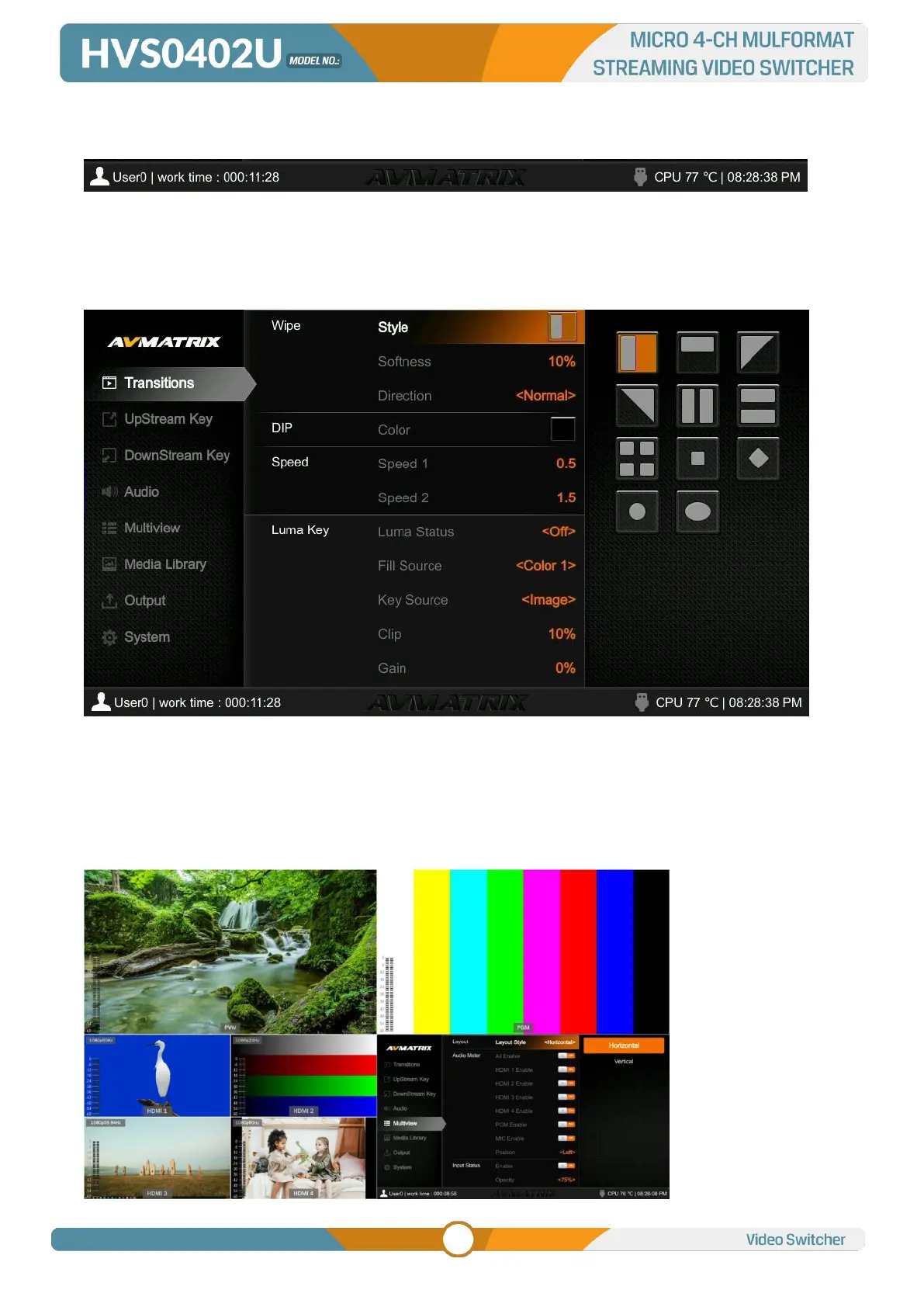
The information of user name, working time, USB connection, CPU working temperature, system time
keeps displaying in the bottom of the Status/Menu page.
The information on the status page will be updated in real time as the settings changed. It’s clear and
visible for user to know the current situation and settings.
Pressing menu button of the switcher, the status page will go to the menu page. See below image.
6.2. Layouts
There are two Multiview layouts which can be switch between the horizontal layout and vertical layout
from menu as below images.
- Horizontal layout:



 To Next Page